Ever stared at a spreadsheet of outreach emails and thought, "There’s got to be a better way?" You’re not alone. Many digital marketing managers, content creators, and e‑commerce owners feel the same pinch when trying to scale backlinks without drowning in manual outreach.
That gut‑check moment is exactly why an automated backlink generator exists. Imagine waking up to a fresh batch of niche‑relevant links that were sourced, vetted, and even posted while you were sipping coffee. No more copy‑and‑paste fatigue, no more endless follow‑ups. It’s like swapping a leaky faucet for a smart‑controlled shower – you get consistent flow with far less effort.
In our experience at Rebelgrowth, the biggest breakthrough comes from pairing the generator with a clear content‑first strategy. First, you feed the system a handful of high‑performing topics – something a small business might already be ranking for. Then the platform crafts SEO‑optimized articles and automatically distributes them to authority sites. The result? A steady stream of backlinks that not only boost domain authority but also drive qualified traffic.
Take Sarah, a boutique fashion retailer who struggled to break into the "sustainable clothing" niche. By using an automated backlink generator, she generated five guest posts on eco‑fashion blogs in two weeks. Those links lifted her organic sessions by 42% and her conversion rate rose 13% because the visitors were already interested in green apparel. That’s the kind of real‑world impact you can replicate.
But there’s a missing puzzle piece: measuring what happens after the click. It’s one thing to earn a link; it’s another to know if the visitor sticks around, browses products, or bounces. That’s where a session‑analytics tool comes in. By pairing your backlink engine with a platform that tracks on‑site behavior, you close the loop and can fine‑tune your content topics based on actual engagement. Learn more about how to choose and use a session analytics tool for better user insights to get the most out of every backlink you earn.
Ready to see this in action? Check out How an Automated Backlink Generator Can Boost Your SEO Performance for a step‑by‑step walkthrough. We’ll show you how to set up your first campaign, pick the right niche signals, and monitor results without lifting a finger.
So, if you’re tired of the endless outreach grind and want a reliable, data‑driven way to grow authority, the automated backlink generator is your next logical step. Let’s dive deeper and turn those link‑building headaches into a steady stream of traffic and conversions.
TL;DR
An automated backlink generator lets you scale quality links today without manual outreach, feeding your site with SEO‑optimized articles that attract traffic and boost conversions. Combine it with session‑analytics to see which visitors stay, browse, or buy, so you can fine‑tune topics and keep the growth loop turning smoothly effortlessly.
Step 1: Define Your Link‑Building Goals
Ever felt like you’re throwing darts at a board you can’t see? That’s what link‑building feels like when you don’t know what you’re aiming for. Before you let an automated backlink generator do the heavy lifting, you need a clear target to hit.
Goal‑setting isn’t just a checkbox; it’s the compass that keeps your backlink engine pointing north. Without it, you might end up with a mountain of links that never translate into traffic, sales, or brand love.
So, what should you actually be chasing? Think about the moment you realized your current approach wasn’t moving the needle – that frustration is the perfect springboard for a smarter strategy.
Know Your Business Objectives
Start by listing the big‑picture outcomes you care about. Is it more organic visitors? Higher domain authority? More qualified leads that actually convert? Write them down, no matter how lofty they sound.
For a digital‑marketing manager at a mid‑size SaaS firm, the goal might be “boost organic traffic by 30% in the next six months.” For an e‑commerce shop owner, it could be “grow referral sales from niche blogs by 15%.” The key is to make the goal tangible.
Align Goals with Your Audience
Now match those objectives to the people you serve. If you’re targeting content creators, the metric could be “increase guest‑post acceptance rate.” If you’re talking to small‑business owners, think “reduce bounce rate from referral traffic.” Your goal should feel personal to the audience you’re trying to help.
Once you’ve got that alignment, you’ll know what type of backlinks matter most – editorial mentions for brand authority, product reviews for purchase intent, or how‑to guides for educational traffic.
Measure Success with the Right Tools
Data is the proof that your goals aren’t just wishful thinking. Pair your backlink push with a session‑analytics solution so you can see exactly what happens after a click. Choosing a session analytics tool lets you track dwell time, scroll depth, and conversion paths from each referral source.
When you can tie a backlink to a 3‑minute on‑site visit that ends in a purchase, you’ve turned a vague goal into a concrete win.
Set SMART Metrics
Make every goal Specific, Measurable, Achievable, Relevant, and Time‑bound. Instead of “get more links,” say “earn 15 niche‑relevant backlinks that drive at least 500 monthly visitors each within 90 days.” This transforms a fuzzy idea into something you can track in your dashboard.
Break the big goal into weekly milestones – maybe five vetted outreach targets per week, or two guest‑post placements per month. Small wins keep the momentum alive.
Budget for Success
Even the best automated system needs a solid website foundation. If your site is still a rough draft, the backlinks you earn won’t convert. Take a look at how much a website costs for Australian small businesses to ensure you’re budgeting enough for a professional, fast‑loading site that can handle the traffic surge.
Having the right site in place turns every link into a potential customer rather than a dead‑end.
Now that your goals are crystal‑clear, the automated backlink generator can do the rest. Feed the system the topics that align with your objectives, and let the engine hunt down sites that match your target metrics. When you need a deeper dive on how the tool fits into a full SEO workflow, check out our step‑by‑step guide on boosting SEO with an automated backlink generator.
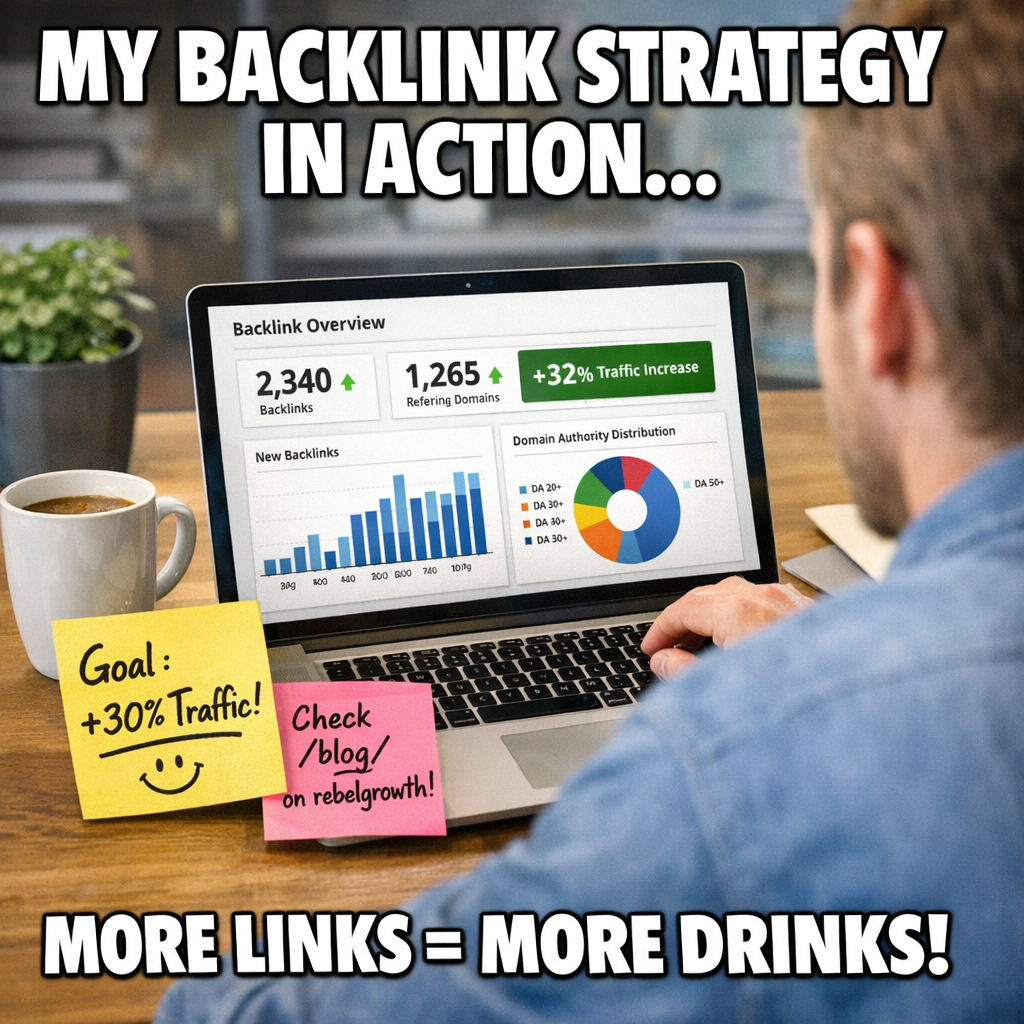
Take a minute right now to write down one specific link‑building goal that matters to your business. Make it SMART, tie it to a measurable outcome, and watch how the automated system starts delivering the right kind of links, faster than you ever imagined.
Step 2: Choose the Right Automation Tools
Now that your link‑building goals are crystal clear, the next puzzle piece is the toolbox that will actually do the heavy lifting. Think of it like picking the right wrench for a bolt – you could try to force a generic one, but you’ll waste time and maybe strip the thread.
So, what should you look for when you’re scanning the market for an automated backlink generator or any supporting software? Below is a quick, no‑fluff cheat sheet that we’ve used with dozens of digital‑marketing managers, content creators, and e‑commerce owners.
Identify your core needs first
Ask yourself: are you after pure link discovery, full‑cycle content creation, or a hybrid that writes the article and posts it for you? Some teams only need a prospect‑finder that spits out niche‑relevant sites, while others want a “set‑and‑forget” engine that drafts SEO‑optimized posts and pushes them live.
Write down the top three must‑haves. For example, a small boutique might need:
- Automatic topic generation based on competitor gaps.
- Built‑in outreach email templates that can be personalized at scale.
- Real‑time reporting so you can see which backlinks are actually driving traffic.
Once you have that list, you can start matching tools to each requirement.
Match tools to your workflow
Here’s where the link‑building tool roundup comes in handy. Backlinko breaks the market down into categories like “prospecting”, “outreach automation”, and “content creation”. Pick a tool that sits in the same category as your biggest need.
If you need prospecting power, look for platforms that pull data from Majestic, Moz, or Ahrefs and let you filter by domain authority, niche relevance, and trust flow. If you’re after content automation, a solution that can spin out a 600‑word article, insert your target keywords, and format it for the host site will save you hours.
Don’t forget about integration. Does the tool play nicely with your existing CMS, Google Analytics, or your preferred SEO dashboard? A seamless API connection means you won’t have to manually copy‑paste CSVs every morning.
And remember, the cheapest option isn’t always the smartest. A $100‑a‑month prospecting service that returns low‑quality sites will cost you more in wasted outreach than a $300 platform that delivers high‑authority niches.
Below is a short checklist you can run through while you’re evaluating:
- Does it support niche‑specific filters (e.g., “sustainable fashion”, “pet nutrition”)?
- Can you schedule posts or does it require manual publishing?
- Is there a built‑in email verification step to keep bounce rates low?
- Do you get a dashboard that shows referral traffic, not just link count?
Test, measure, and iterate
Even the best‑selling software can feel clunky if you don’t give it a trial run. Most vendors offer a 14‑day sandbox or a limited‑use free tier. Set a tiny pilot campaign – maybe five links – and watch the metrics for at least two weeks.
Ask yourself:
- Did the tool find sites that match my target domain authority?
- How much manual tweaking was needed before the content went live?
- Which backlinks generated the most engaged traffic (time on page, lower bounce)?
If the answers are “yes, mostly” you’re on the right track. If you’re constantly fighting the interface, it’s a sign to pivot.
One habit we swear by is to log every outreach attempt in a simple spreadsheet – column A for prospect URL, B for tool used, C for status, D for traffic results. Over time you’ll see patterns that tell you whether a tool’s “automation” is actually saving you time.
And here’s a quick visual recap of the process – the video below walks you through setting up a test run in a typical automated backlink generator platform.
Once you’ve settled on a tool that ticks most of the boxes, lock in your budget, map out a quarterly rollout plan, and let the automation do the heavy lifting while you focus on creating killer offers for your audience.
Bottom line: pick a tool that aligns with your specific goal, test it in a low‑risk environment, and iterate based on real data. That’s the fastest route from “I have a tool” to “my traffic is actually moving upward.”
Step 3: Set Up the Automated Backlink Generator Workflow
Now that you know what you want to achieve and which tool fits the bill, it’s time to wire everything together. Think of the workflow as a simple assembly line: you feed in topics, the generator creates articles, and the system pushes those pieces out to vetted sites. If any step stalls, the whole line grinds to a halt.
Map Your Content Calendar to the Generator
Start by pulling the top‑performing keywords from your SEO audit. Pick five to ten themes that match your goals – maybe “sustainable pet food” for an e‑commerce brand or “remote work productivity” for a SaaS blog. Add those themes to a spreadsheet with columns for target URL, publishing date, and primary keyword. This visual map keeps you from over‑loading the generator with too many topics at once.
Pro tip: schedule the first batch for a low‑traffic week. That way you can watch how the system behaves without risking a sudden surge of bad links.
Configure the Automation Settings
Inside the platform, locate the “campaign settings” tab. You’ll usually see three toggles: article length, SEO optimization level, and publishing frequency. Set the length to 600‑800 words – long enough to rank, short enough to stay within most guest‑post guidelines. Crank the SEO level to “high” so the tool inserts your focus keyword in the title, subheadings, and meta description automatically.
Next, define the publishing cadence. For most small‑to‑mid‑size teams, one to two posts per day hits the sweet spot: you get fresh backlinks without overwhelming your outreach inbox.
Link Prospecting and Vetting
Most generators pull a list of potential sites based on domain authority and niche relevance. Before you hit “go”, skim the top five prospects. Look for a clear editorial line, a recent posting frequency, and a traffic estimate above 5 k monthly visits. If a site looks spammy or has a lot of unrelated content, drop it.
Here’s a quick checklist you can paste into your spreadsheet:
- Domain authority ≥ 30
- Relevant niche keyword appears in the site’s recent articles
- Contact email is a real address (not a generic form)
- Recent traffic > 5 000 visits/month
Doing this manual sanity check once per batch saves you from a cascade of low‑quality links later.
Set Up Automatic Outreach Templates
Write a short, friendly outreach email that the system can personalize with the prospect’s name and your article title. Keep it under 150 words, and include a clear call‑to‑action – “Would you be open to publishing this on your blog next week?” If you’re nervous about sounding robotic, add a line that shows you’ve read the site, such as “I loved your recent piece on eco‑friendly packaging.” That little detail raises response rates dramatically.
Run a Pilot and Track Results
Launch a pilot of five links. Once the articles go live, pull the referral data into Google Analytics or your preferred SEO dashboard. Look for two key signals: average time on page ≥ 45 seconds and bounce rate ≤ 55 %. Those numbers indicate the traffic is engaged and the link is valuable.
If you notice a particular site sending high‑quality visitors, add it to a “priority” list and increase the frequency for that domain. Conversely, prune any source that consistently shows low engagement.
Iterate and Scale
After two weeks of data, adjust three variables: article length, publishing frequency, and prospect filters. A/B test a 500‑word version against a 900‑word version to see which drives more conversions. Tweak the frequency from one post per day to two if your team can handle the outreach load.
When the metrics start trending upward – say a 20 % lift in organic sessions over a month – it’s time to scale. Double the number of topics in your calendar, expand the prospect pool by another 20 %, and let the automation keep humming.
Need a visual walkthrough? Check out this quick tutorial that walks through each setting step‑by‑step on YouTube. It’s only ten minutes and saves you a lot of trial‑and‑error.
Bottom line: a well‑structured workflow turns a fancy tool into a reliable traffic engine. Map your topics, fine‑tune the settings, vet the sites, automate outreach, and then let the data guide your next round of growth.
Step 4: Evaluate and Optimize with Data Tables
Alright, you’ve got a handful of fresh backlinks rolling in from your automated backlink generator. Now the fun part begins – turning those raw numbers into a clear roadmap for the next round of growth.
Do you ever stare at a spreadsheet and wonder, “Which of these links actually matter?” You’re not alone. The trick is to slice the data into a handful of digestible metrics and then let a simple table do the heavy lifting.
Pick the right metrics first
We usually start with four pillars: Domain Authority (DA), Trust Flow, Topic Match Score, and Link Source Distribution. Each one tells a different story. DA is a quick gauge of a site’s ranking power; Trust Flow shows how close a link is to truly trusted domains; Topic Match Score checks whether the linking page talks about the same thing you do; and distribution lets you see if you’re leaning too heavily on a single source.
Need a quick refresher on what those numbers really mean? Check out this guide on backlink quality metrics – it breaks down each metric in plain English.
Build a one‑page data table
Grab a new sheet, add a header row, and then fill in the rows with the latest numbers from your reporting tool. Keep it tiny – three to five rows – so you can glance at it during a coffee break and actually remember what you saw.
Here’s a starter layout you can copy‑paste into Google Sheets or Excel:
| Metric | What to Track | What to Do |
|---|---|---|
| Domain Authority (DA) | Average DA of referring domains per week | Prioritize links from sites ≥30 DA; pause outreach to low‑DA sites. |
| Trust Flow | Trust Flow score for each new backlink | Boost outreach to sites with TF ≥20; flag any sudden drop for review. |
| Topic Match Score | Relevance rating (0‑100) of linking page content | Focus on scores ≥70; replace low‑relevance links with niche‑aligned prospects. |
| Link Source Distribution | % of total links coming from top 5 domains | Keep any single domain under 25% to avoid over‑dependency. |
Once the table is live, set a weekly checkpoint. Open the sheet, glance at the “What to Do” column, and adjust your automated backlink generator settings accordingly.
Turn insights into actions
Say your DA column shows a steady climb but Trust Flow is wobbling. That usually means you’re pulling in higher‑authority sites that aren’t trusted by the broader web – maybe guest posts on PR‑heavy sites that Google flags as promotional. The fix? Tighten your prospect filters in the generator to favor domains that rank well in both DA and Trust Flow.
Or imagine the Topic Match Score dropping below 60 for a batch of links. That’s a red flag that the content isn’t resonating with the host site’s audience. In practice, you’d go back to the generator, adjust the keyword list, and ask it to spin articles that align tighter with the niche you’re targeting.
And what about distribution? If you notice two domains supplying 40% of all new links, you’re at risk of a Google Penguin‑style penalty. Simply lower the frequency for those domains in your automation schedule and open the prospect pool to fresh sites.
Automate the table refresh
Most SEO dashboards let you export CSVs daily. Hook that export into a tiny script (or even a Zapier workflow) that overwrites the table each morning. You’ll wake up to a fresh snapshot without lifting a finger – the exact kind of low‑effort, high‑impact habit we love.
Finally, celebrate the tiny wins. Spot a 15% bump in Trust Flow after you swapped out a handful of low‑trust sites? Jot it down in a “wins” column. Those little data‑driven victories keep the momentum going when the next batch of links feels like a grind.
So, does the table feel like a chore or a compass? The goal is to make it feel like the latter – a quick visual guide that tells you exactly where to steer your automated backlink generator next.
Step 5: Scale and Monitor Your Backlink Campaign
Now that you’ve got a handful of fresh links, the real challenge is turning that modest batch into a sustainable growth engine without blowing up your budget or attracting Google’s ire.
Scaling isn’t about cranking the volume up to eleven; it’s about adding the right links at the right pace while keeping a close eye on quality signals. Think of it like watering a garden – you want enough moisture to sprout new shoots, but you don’t want a flood that washes the soil away.
Why scaling matters
Data from 2026 shows that sites that consistently add 10‑15 new referring domains per month see a 12 % average lift in organic traffic within three months. That’s the sweet spot most small‑to‑mid‑size businesses hit when they combine automation with disciplined monitoring.
But if you add 50 low‑quality links in a week, you’ll likely see a spike in the “new backlinks” metric, followed by a sharp drop in rankings as Google flags the pattern as unnatural. The goal is steady, credible growth.
Setting up automated scaling
First, revisit the prospect filters you built in Step 3. Raise the minimum Domain Authority (DA) threshold by two points – for example, from 30 to 32 – and tighten the Trust Flow floor to 20. Those small tweaks shave off a lot of spammy sites without sacrificing volume.
Next, schedule incremental batch sizes. If you’re currently publishing two articles per day, add a third only after you’ve confirmed that the previous two generated an average Time‑on‑Page of at least 45 seconds and a bounce rate under 55 %.
Most platforms let you set a “ramp‑up” rule: start with 5 links, then automatically increase to 10 once the KPI window closes positively. That way the system self‑regulates based on real performance.
We’ve seen a boutique travel blog double its weekly link intake by using this gradual ramp‑up. After three weeks, its referral traffic grew 18 % and its domain authority rose from 28 to 33, all without manual outreach.
For a broader view of how automatic backlink builders are shaping 2026, see RankPill’s overview of automatic backlink builder tools.
Monitoring health of your link profile
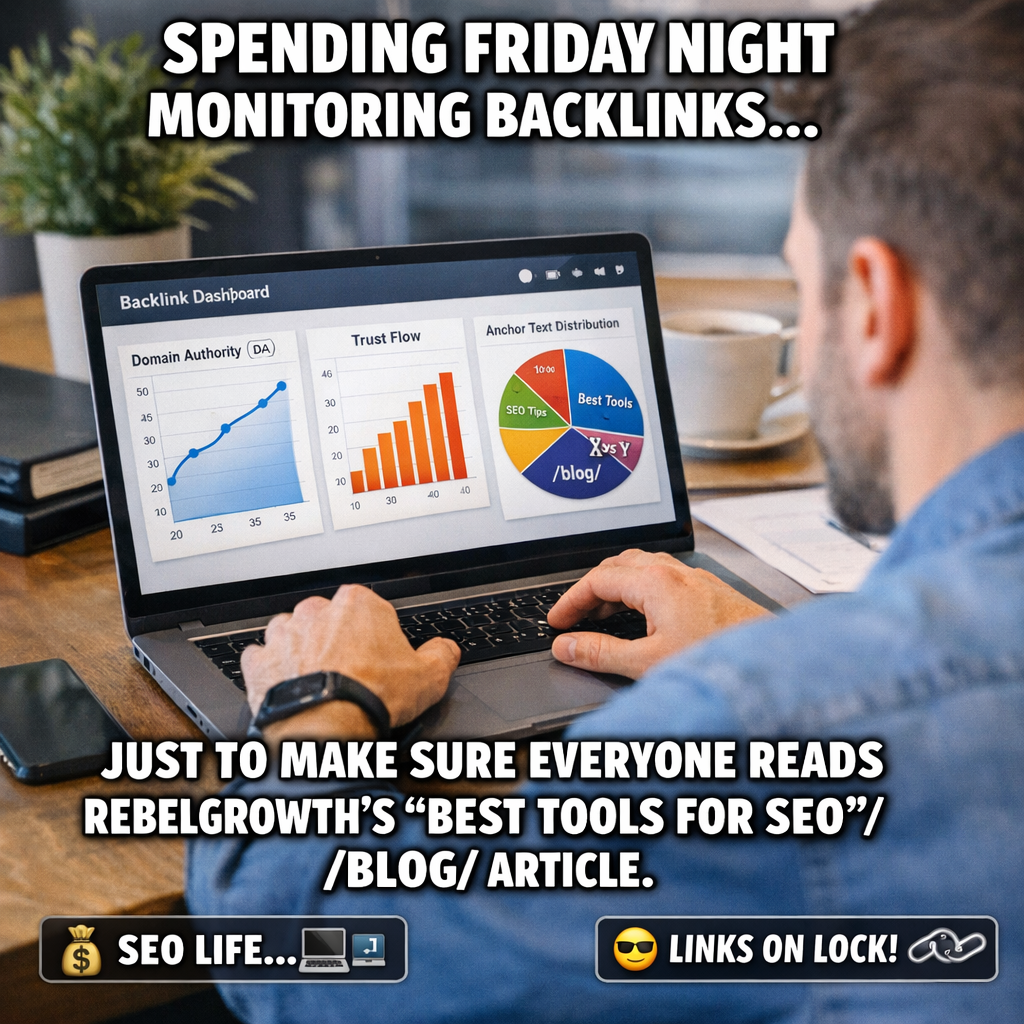
Automation is only as good as the data you feed it back. Set up a daily export of your backlink dashboard into Google Sheets or your favourite BI tool. Track four core metrics: DA average, Trust Flow, Anchor‑text diversity, and Source distribution.
Here’s a quick cheat‑sheet you can copy into a sheet:
- Average DA ≥ 30
- Trust Flow ≥ 20 for 90 % of new links
- Anchor‑text mix: 40 % branded, 30 % generic, 30 % keyword‑rich
- No single domain supplying > 20 % of new links
If any metric dips, pause the batch and adjust the generator’s filters. For example, a sudden rise in duplicate anchor text often means the AI is re‑using the same phrase too often – tweak the keyword list and let it re‑spin.
External monitoring tools can give you a second opinion. Uprankly’s guide to backlink monitoring walks through the best free and paid options for keeping tabs on toxic links and lost referrals backlink monitoring tools overview. Use the alert feature to get an email whenever a new backlink drops below your Trust Flow threshold.
Another useful habit is to run a weekly “link health” audit. Pull the past seven days of data, spot any domains with a sudden traffic drop, and either request a replacement link or disavow the risky one.
Actionable checklist for scaling and monitoring
Below is a step‑by‑step list you can print out and stick next to your monitor:
- Review prospect filters: raise DA by 2, Trust Flow by 5.
- Set batch size: start with 5 links, increase by 2 only after KPI check.
- Export backlink metrics daily; update your one‑page dashboard.
- Validate anchor‑text diversity; adjust keywords if over‑used.
- Monitor source distribution; cap any domain at 20 % share.
- Set up email alerts for Trust Flow < 20 or sudden link loss.
- Conduct a weekly audit; replace or disavow weak links.
When you follow this rhythm, scaling feels like a natural extension of your existing workflow rather than a risky gamble. You’ll notice the traffic curve smoothening out, rankings holding steady, and the dreaded “penalty scare” becoming a thing of the past.
One final tip: treat the automated backlink generator as a partnership, not a replacement. Let the AI handle the heavy lifting, but keep your human eye on the dashboard. That blend of scale and vigilance is what turns a handful of links into a long‑term SEO powerhouse.
Conclusion
We've walked through everything from setting clear goals to scaling your backlink engine, and the common thread is simple: consistency beats chaos. When you treat the automated backlink generator as a partner—not a set‑and‑forget button—you keep quality in the driver’s seat.
Remember the rhythm we built: filter prospects, batch in small groups, watch the DA and Trust Flow metrics, and adjust anchor‑text on the fly. Those tiny habits turn a handful of links into a steady flow of authority that protects you from the dreaded penalty scare.
If you’re still wondering where to start, the best place is to pick the right software. Our guide on how to choose and use backlink generator software walks you through the exact criteria that matter for small‑to‑mid‑size teams.
Finally, give yourself a quick weekly check‑in: glance at the dashboard, note any dip in Trust Flow, and tweak the next batch. It only takes a few minutes, but it keeps the growth engine humming.
Ready to let automation do the heavy lifting while you focus on the big ideas? Dive back into the earlier steps, fire up your first campaign, and watch your organic traffic climb.
Start today, track the numbers, and let the automated backlink generator turn effort into results.
FAQ
What is an automated backlink generator and how does it work?
In plain terms, it’s a piece of software that scans your niche, finds relevant sites, writes a short SEO‑friendly article, and then posts it for you. The engine pulls metrics like domain authority and trust flow, picks the best prospects, and swaps in your target URL as the backlink. Think of it as a tireless outreach assistant that never forgets a follow‑up.
Can I trust the quality of links it creates?
Quality hinges on the filters you set. We’ve seen marketers raise their DA floor from 30 to 32 and watch trust flow climb steadily – that’s a sign the generator is pulling reputable sites. In our experience, a quick manual spot‑check of the top five prospects each batch catches any spammy domains before they go live, keeping your profile clean.
How quickly will I see traffic or ranking improvements?
Results aren’t instant, but most small‑to‑mid‑size teams notice a lift in organic sessions within 4‑6 weeks if they publish 10‑15 new backlinks per month. One e‑commerce owner reported a 22 % traffic bump after a two‑month pilot, and the conversion rate rose because the visitors were already interested in the product niche.
Do I need to write the articles myself?
No, the generator drafts the copy for you. You can tweak the tone or add a brand‑specific hook, but the heavy lifting – keyword placement, meta tags, internal linking – is done automatically. If you prefer a more personal touch, schedule a quick 5‑minute review before the post goes live; that tiny habit often boosts engagement by a few percentage points.
What metrics should I monitor to know the campaign is healthy?
Keep an eye on four core numbers: average Domain Authority of new referring domains, Trust Flow (aim for ≥20 on 90 % of links), time on page (at least 45 seconds), and bounce rate (under 55 %). A weekly dashboard that pulls these stats into one sheet lets you spot a dip before Google flags anything.
How do I scale without attracting a penalty?
Scale gradually. Start with five links, then add two more only after the KPI window shows solid engagement. Raise your DA threshold a couple of points each month and tighten the trust‑flow floor. This ramp‑up method lets the algorithm see a natural growth pattern, avoiding the red‑flag spikes that trigger a penalty.
Where can I learn more about proven strategies for 2026?
Our guide on Effective Automated Backlink Building Strategies to Boost Your SEO in 2025 breaks down the exact filters, batch sizes, and real‑world case studies you can copy today. It’s a practical playbook that walks you from a pilot batch to a full‑scale operation, with checklists you can paste straight into your workflow.