Ever felt like your content disappears into the abyss of search results, no matter how much you polish it?
You're not alone. Most marketers chase rankings with keyword stuffing and backlinks, but the real game changer lives in the answer engine—Google's featured snippets, People Also Ask, and the new AI‑driven answer blocks.
Imagine a shopper asking, “What’s the best way to automate my SEO?” and your site pops up instantly, not as a list of links but as the concise answer they need.
That moment is what we call answer engine optimization. It’s the practice of shaping your content so the algorithm confidently serves it as the go‑to answer.
So, which tools actually help you engineer that spot on response? That’s where answer engine optimization tools step in, turning vague data into precise, structured snippets.
One solid starting point is our comprehensive guide on Answer Engine Optimization: A Practical How‑To Guide for Boosting Search Visibility, which walks you through the exact features to look for in any platform.
Typical tools include AI‑powered content generators that can rewrite a paragraph into a concise answer, schema generators that add FAQ and How‑To markup, and SERP‑monitoring dashboards that tell you when your snippet is live.
But the magic isn’t just in the tech; it’s in the workflow. You’ll want to start with keyword research that surfaces question‑type queries, then map each query to a dedicated answer block.
Next, feed those questions into a tool that suggests the optimal length, tone, and structured data. Most platforms will auto‑generate the JSON‑LD you need, so you don’t have to copy‑paste code.
Finally, set up a simple alert—maybe a Slack webhook or email—so you know the moment Google lifts your content into the answer carousel. That feedback loop lets you double‑down on what works.
Ready to start turning questions into traffic?
TL;DR
Answer engine optimization tools turn raw queries into crisp, featured snippets, letting you capture traffic without endless keyword juggling, all in seconds.
Combine AI‑driven rewriting, schema generators, and SERP alerts to automate answers, boost visibility, and watch your clicks climb daily, while refining your content based on real‑time performance data.
Understanding Answer Engine Optimization (AEO) Basics
Ever typed a question into Google and got the answer right on the SERP? That tiny box isn’t magic – it’s the result of Answer Engine Optimization, or AEO. Think of it as SEO’s younger sibling that focuses on answering, not just ranking.
When you shift from keyword‑heavy copy to a clear, concise answer, you’re speaking the language voice assistants and AI overviews understand. AEO is all about serving that direct response, whether it lands in Position Zero, a People Also Ask dropdown, or a generative AI summary.
Why AEO matters today
Three trends are pushing AEO to the front of the SEO conversation:
- Voice search: Smart speakers and mobile assistants turn spoken questions into text queries.
- Featured snippets: The coveted “Position Zero” slot delivers a one‑sentence answer above the organic list.
- AI overviews: Google’s new AI‑generated summaries pull from multiple sources, giving your structured content a chance to be quoted.
According to All in One SEO, these formats reward content that’s well‑structured, authoritative, and written in natural language. In other words, if you can answer “how do I automate my SEO?” in 40 words, you’re already speaking the AEO language.
Core components of an AEO‑ready page
1. Direct answer in the first 40‑50 words. Google’s algorithm looks for a succinct answer right up front. If you can solve the user’s problem before they scroll, you increase your odds of being featured.
2. FAQ or How‑To schema. Structured data tells the engine what each block of text means. Adding JSON‑LD for FAQs, How‑To steps, or product details is the fastest way to become answer‑engine friendly.
3. Concise, natural language. Forget keyword stuffing. Write like you’re chatting with a colleague over coffee – short sentences, simple words, and a friendly tone.
Real‑world examples
Imagine you run an e‑commerce store selling ergonomic chairs. A user asks, “What is the best ergonomic office chair for lower back pain?” Your product page includes a brief answer: “The FlexiSeat Pro offers lumbar support, adjustable height, and a breathable mesh back, making it the top pick for lower‑back comfort.” Pair that with FAQ schema answering related questions like “Is the FlexiSeat Pro easy to assemble?” and you’ll see the snippet appear, pulling traffic directly to your page.
Another case: a SaaS blog writes an article on “How to set up automated SEO audits.” By using an AI content generator to pull out a 3‑step checklist and embedding it with How‑To schema, the article lands in the AI overview panel for “automated SEO audit tools,” driving clicks from users who might never have scrolled down to the original post.
Actionable steps to get started
Follow this quick 5‑point checklist:
- Harvest question‑type keywords. Use your usual keyword tool, then filter for phrases ending in a question mark.
- Draft a one‑sentence answer. Keep it under 50 words and place it at the very top of the article.
- Add relevant schema. Use FAQ, How‑To, or Product schema depending on the content type. Most platforms generate the JSON‑LD for you.
- Optimize for voice. Read your answer aloud – does it sound natural? If not, simplify.
- Monitor performance. Set up alerts (email, Slack, or a simple SERP‑watch dashboard) to know when Google lifts your content into a snippet.
For a deeper dive on mapping questions to answers, check out our 5 Best Ai Seo Software in 2025 | Rebelgrowth guide – it walks you through the exact tools you can use to automate the research and schema steps.
Expert tip: Combine AEO with traditional SEO
SEO still matters. A strong backlink profile and solid on‑page fundamentals give your answer the authority it needs to be trusted. SEO.com notes that sites with both high domain authority and well‑structured answers dominate the AI overview space. Think of AEO as the front door; SEO is the foundation that keeps the house standing.
Bottom line: start treating every question as a mini‑landing page. Write a crisp answer, tag it with the right schema, and watch the answer engine bring users straight to you.
Step 1: Conduct Answer Intent Keyword Research
When you’re chasing the snippet, the first thing you need isn’t a mountain of generic keywords – it’s a list of real questions people actually ask.
Why does that matter? Google’s answer engines now serve up direct responses for roughly 60% of all searches, meaning a user often never clicks a traditional result according to AIMultiple’s 2024 analysis. If you’re not answering those questions, you’re essentially invisible to a huge chunk of traffic.
That low‑click environment changes the whole research mindset. Instead of hunting for high‑volume terms, you hunt for intent‑rich prompts that fit the “Know Simple” or “Know” categories AI models prioritize.
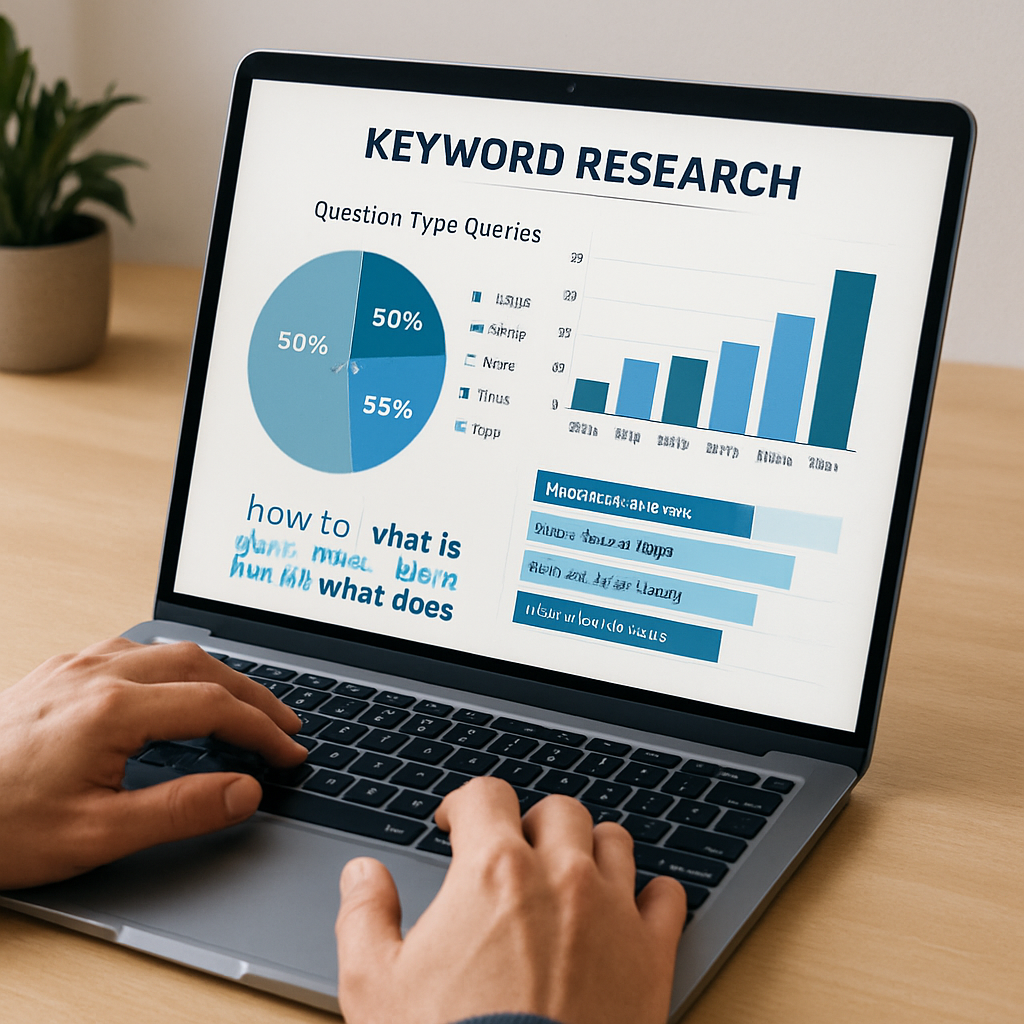
Here’s a quick three‑step recipe to surface answer‑intent keywords:
1️⃣ Pull raw question data
- Start with Google’s “People Also Ask” (PAA) widget. Export the questions with a simple scraper or a Chrome extension.
- Run the same queries through AI answer engines like Perplexity or ChatGPT and note the phrasing they return – those are the exact prompts the model understands.
- Don’t forget voice‑first assistants. Type a conversational version of your core topic into Siri, Alexa, or Google Assistant and record the spoken question.
2️⃣ Filter and prioritize
Take the raw list and apply two filters: relevance to your product/service, and zero‑click potential. AIMultiple points out that many tools surface queries with no existing organic traffic, which can be a red flag in their tool comparison. Keep only questions that your content can answer in 40‑50 words.
Next, assign an intent tag – “informational”, “transactional”, or “navigational”. For answer‑engine work, the informational “how‑to” or “what‑is” tags are gold, because they map directly to snippet formats.
3️⃣ Map to content assets
Now match each question to a specific page or create a new micro‑page. The rule of thumb is one clear answer per URL. Place the concise answer right at the top, then back it up with a short, bulleted list or a How‑To schema block.
Pro tip: If you already have a long‑form blog post, carve out a “Quick Answer” section that can be extracted by a schema generator. That way you keep the depth for readers while giving the engine a tidy snippet to pull.
To keep the workflow sustainable, set up a weekly audit. Pull the latest PAA dump, run it through a spreadsheet that flags new questions, and assign them to your content calendar. Over time you’ll see a pattern of which question types earn you the most impressions.
And if you’re looking for a deeper dive on how to turn those questions into structured answers, our programmatic SEO tools guide walks you through automating the entire pipeline, from prompt generation to schema markup.
Finally, test your answer before you publish. Read it out loud, count the words, and make sure the first sentence directly answers the question. If a voice assistant can read it without stumbling, you’re probably good to go.
Once your answers are live, keep an eye on performance metrics. Google Search Console now shows “Answer Box” impressions, and tools like AIMultiple’s monitoring suite let you see which prompts are gaining share of voice. If a question starts to dip, revisit the copy, add fresh data, or expand the answer with a supporting table.
Bottom line: start with genuine user questions, filter for relevance and zero‑click potential, and lock each one into its own answer‑engine‑ready page. That’s the foundation for every successful AEO strategy.
Step 2: Optimize Content for Direct Answers
Ever published a perfect blog post only to watch it vanish behind a sea of zero‑click searches? Yeah, that’s the feeling when your content isn’t speaking the language answer engines understand.
So, what do we actually do to make Google, ChatGPT or Perplexity hand us that coveted one‑sentence answer slot? The answer lies in a few concrete tweaks – and a handful of answer engine optimization tools that do the heavy lifting for you.
1️⃣ Nail the first‑sentence answer
Start every answer‑engine‑ready page with a concise, 40‑50 word sentence that directly answers the user’s question. Think of it as the headline of a tweet: no fluff, pure value. Read it aloud – if a voice assistant can spit it out without stammering, you’re golden.
2️⃣ Leverage AI rewriting tools
Many AI‑powered platforms can take a long‑form paragraph and spin it into a crisp answer. Look for tools that let you set a word‑limit and tone, then copy the output straight into the top of your page. According to Surfer SEO, short, list‑friendly answers boost the chance of being pulled into an AI overview.
3️⃣ Add the right schema automatically
FAQ and How‑To schema are the breadcrumbs that tell answer engines where the answer lives. Choose a tool that generates JSON‑LD on the fly and drops it into your page’s <head>. No manual coding required – just map each question to its schema type and let the script do the rest.
4️⃣ Structure for scannability
Break the rest of the content into bullet points, numbered steps, or small tables. Answer engines love lists – they’re easy to parse and display. Keep headings hierarchical (H2, H3, H4) so the AI can hop from one section to the next without getting lost.
5️⃣ Test with a voice‑assistant emulator
Before you hit publish, paste the first sentence into a voice‑assistant tester or simply ask your phone “Hey Google, what’s your answer?” If it reads the exact wording you wrote, you’ve nailed the format.
Quick comparison of go‑to answer‑engine tools
| Tool | Core Feature | Best For |
|---|---|---|
| AI Rewriter | Sentence‑level shortening with word‑limit control | Turning long blog intros into direct answers |
| Schema Generator | One‑click JSON‑LD for FAQ/How‑To | Automating markup without dev help |
| Answer‑Engine Preview | Live snippet simulation for Google, ChatGPT, Perplexity | Validating how your answer will appear across platforms |
Pick the tool that matches the bottleneck in your workflow. If you’re spending hours trimming sentences, an AI Rewriter is your new best friend. If markup feels like a black box, go with a Schema Generator that plugs into your CMS.
And once you’ve got the technical pieces in place, remember to keep the content fresh. A quick quarterly audit – pull the latest PAA list, refresh any stale data, and re‑run your AI rewriter – will keep your answers from slipping into obscurity.
Need a deeper dive on how to map these tools into a seamless pipeline? Check out our Exploring the Best SEO Automation Tools for Enhanced Digital Marketing guide for a step‑by‑step walkthrough.
Bottom line: a direct answer, AI‑crafted brevity, proper schema, and a dash of list‑formatting are the recipe for getting your content into the answer box. Give each step a quick sanity check, and you’ll see those “Answer Box” impressions start to climb.
Step 3: Leverage Structured Data & Schema
Alright, you’ve already trimmed the copy and hooked the AI rewriter – now it’s time to give the search bots a clear map so they know exactly which sentence to pull.
Why schema matters for answer engines
Answer engine optimization tools can see your markup the way a librarian spots a catalog card. Without FAQ or How‑To schema, the engine has to guess where the answer lives, and guess‑work rarely lands in Position Zero.
Studies from the AEO tools guide show brands that add the right structured data see a 40‑60% lift in AI citations within a few months according to Meaningful Agency’s analysis. That’s a huge jump for a handful of JSON‑LD lines.
Step‑by‑step checklist
1. Identify the answer type. Is your content a quick definition, a step‑by‑step process, or a product comparison? Pick the matching schema: FAQ for Q&A, How‑To for procedural lists, or Product for specs.
2. Draft a concise answer. Keep it under 50 words and place it as the first paragraph. That sentence becomes the “name” field in FAQ or the “step” description in How‑To.
3. Generate JSON‑LD. Use a schema generator tool (many answer engine optimization tools include a one‑click exporter). Paste the output right before the closing tag.
4. Validate. Run the page through Google’s Rich Results Test or the Structured Data Testing Tool. Fix any errors – missing required properties or mismatched data types will stop the engine from reading your markup.
5. Add conditional schema. Some AI crawlers prefer different fields. For example, Bing Copilot looks for “question” and “answer” keys, while Google’s AI Overview also reads “acceptedAnswer”. If your tool lets you toggle fields, enable both sets.
Real‑world example
Imagine you run a SaaS blog about “how to set up automated SEO audits.” Your final article opens with:
“To schedule an automated SEO audit, connect your site to our platform, choose a weekly cadence, and click ‘Run Audit’.”
You then add a How‑To schema with three steps matching those sentences. The JSON‑LD might look like this:
{
  "@context": "https://schema.org",
  "@type": "HowTo",
  "name": "Set up an automated SEO audit",
  "step": [
    {"@type":"HowToStep","text":"Connect your site to the platform"},
    {"@type":"HowToStep","text":"Choose a weekly cadence"},
    {"@type":"HowToStep","text":"Click ‘Run Audit’"}
  ]
}
When Google’s AI scans the page, it instantly spots the “HowTo” block, pulls the three short steps, and serves them in the AI answer panel. The same markup also shows up in Bing’s “quick answer” sidebar.
Pro tips from the field
- Keep schema minimal – extra properties can confuse crawlers. Only include what’s required for the answer type.
- Refresh markup quarterly. AI models evolve, and a new “citation” field might become essential.
- Combine schema with internal linking. A “see also” FAQ link back to a deeper guide signals authority and keeps users on your site.
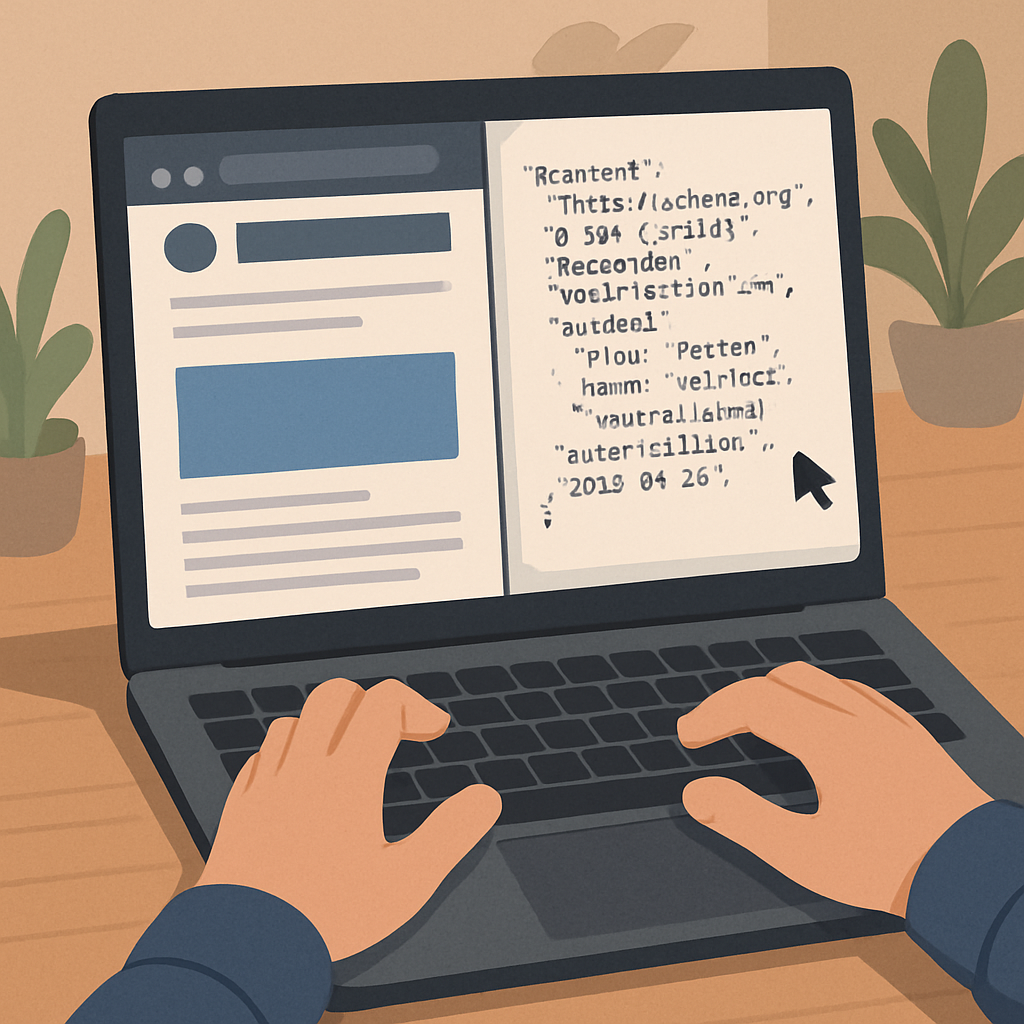
And remember, schema isn’t a set‑and‑forget hack. Treat it like a tiny lighthouse you maintain – clear, bright, and always pointing the AI bots toward the exact answer you want to highlight.
So, what’s your next move? Grab your favorite answer engine optimization tools, generate the markup for that one‑sentence answer you just crafted, and watch the citations start to roll in.
Finally, monitor the impact. Use your answer engine optimization tools’ citation tracker to see how often your schema‑marked answers appear in AI overviews. Note any drops and revisit the markup – a missing required field can instantly erase visibility. Consistent tweaking turns schema from a one‑time setup into a growth engine.
Step 4: Track Performance with Analytics Tools
Now that your answers are live and your schema is shining, the next question is simple: are the right people actually seeing them?
Why tracking matters
If you’ve never watched an AI‑visibility chart, it feels a bit like driving blindfolded. You can add the perfect answer, but you won’t know whether ChatGPT, Gemini, or a voice assistant is pulling it into the conversation. That uncertainty is why every serious AEO workflow ends with a monitoring layer.
Answer engine optimization tools turn that guesswork into data. They surface the exact prompts that trigger your content, count how often you’re cited versus merely mentioned, and even flag sentiment shifts. As Writesonic points out, “AI Visibility Dashboard … shows your brand presence across major AI platforms in real time” — giving you a live pulse on where you stand according to Writesonic’s AI visibility guide.
Set up an AI visibility dashboard
Pick a platform that can pull data from at least three engines – ChatGPT, Perplexity, and Google Gemini are a solid baseline. Most AEO tools will ask you to verify ownership of your domain, then they start crawling the LLMs’ answer layers.
Once the dashboard is live, create a custom view that isolates the queries you targeted in Steps 1‑3. Filter by “Citation Type” so you see only high‑authority references (linked sources) rather than passing mentions. If the tool offers a “Prompt Explorer” module, enable it – it will surface gaps where competitors appear but you don’t.
Key metrics to watch
- Visibility Score: A composite number that blends raw citation count, platform reach, and sentiment. A rising score means more AI engines are choosing your answer.
- Citations per Prompt: Shows how many times a single question pulls your content. A high ratio indicates you’ve nailed the perfect answer for that query.
- Sentiment Rating: Positive, neutral, or negative framing. Even if you appear, a negative tone can hurt brand perception.
- Share of Voice (SOV): Your proportion of citations compared to the top three competitors for the same prompt.
- Refresh Lag: Time between a content update and the next citation bump – useful for planning quarterly schema audits.
Frase’s “Answer engine optimization” overview notes that monitoring “position zero impressions” in Search Console, combined with a third‑party AI visibility layer, gives a full picture of performance as explained by Frase’s guide.
Real‑world example: SaaS blog
Imagine a SaaS company that published a “How to set up automated SEO audits” guide. After adding How‑To schema, they hooked the article into an AEO tool. Within two weeks the dashboard reported a 12 % jump in citations on ChatGPT for the prompt “automated SEO audit steps.” The same tool highlighted a missing “acceptedAnswer” field for Gemini, prompting a quick JSON‑LD tweak.
After the fix, Gemini’s citation count rose from 3 to 27 in the next monitoring window, and the overall sentiment shifted from neutral to positive because the answer now matched the model’s preferred structure. The team logged the change in their “Action Center” and scheduled a quarterly review to repeat the process for new prompts.
Action checklist
- Choose an answer engine optimization tool that covers at least three AI platforms.
- Verify domain ownership and run the initial crawl.
- Build a custom dashboard focused on the prompts you optimized in earlier steps.
- Track the five key metrics above for at least 30 days.
- Identify any “citation gaps” the Prompt Explorer surfaces and map them to missing content or schema.
- Implement quick wins (add missing fields, refresh data, rewrite low‑performing answers).
- Set up automated alerts – Slack, email, or webhook – so you’re notified the moment a new citation appears or sentiment drops.
- Schedule a quarterly review to compare current visibility scores with the baseline you recorded today.
By treating performance data as a living document rather than a one‑off report, you turn answer engine optimization from a set‑and‑forget hack into a growth engine that scales with every new AI model that rolls out. Ready to watch your citations climb?
Step 5: Integrate AEO Tools into Your Workflow
Now that your answers are live and your schema is humming, the real magic happens when you stitch the tools into a repeatable workflow.
So, how do we stop treating each citation as a one‑off miracle and turn it into a daily habit?
First, pick the answer engine optimization tools that cover the AI engines you care about. A robust combo might include a real‑time citation tracker, a content‑score analyzer, and an alert service.
If you’re looking for a platform that watches ten plus models—from ChatGPT to Gemini—and surfaces the exact prompt that pulled your page, Profound does exactly that according to the AEO tools roundup.
Next, connect each tool to a central data hub. Most AEO suites offer API endpoints or native integrations with Google Sheets, Airtable, or your BI stack. Pipe citation counts, sentiment scores, and keyword rankings into one table so you can see everything at a glance.
Now build a simple dashboard. A handful of tiles—total citations, top‑performing prompts, sentiment trend, and any “citation gaps” flagged by the tool—give you a quick health check each morning.
Does this feel like extra work? Not if you automate the alerts. Set up Slack or email notifications for three events: a new citation appears, sentiment drops below a green threshold, or a prompt suddenly spikes in volume.
When an alert fires, follow a three‑step fix loop: (1) open the source prompt, (2) verify your answer still matches the model’s preferred format, and (3) push a quick edit or schema tweak. Most tools let you edit the JSON‑LD right from the UI, so you don’t have to dig into code.
Schedule a cadence. A weekly 15‑minute review lets you spot trends before they become problems. During that time, update your keyword list, add fresh data to stale answers, and note any new AI engines that have entered the market.
Quarterly, do a deeper audit. Export the last 90 days of citation data, compare it against your baseline from Step 4, and calculate the lift per tool. If a platform isn’t delivering new citations, consider swapping it for a more comprehensive solution.
Finally, document the process. A one‑page SOP that lists which tools feed which dashboards, who owns the alert channel, and the exact steps for a quick edit keeps the whole team on the same page—even when you hand the project off to a new marketer.
By turning AEO tools into a living workflow rather than a set‑up checklist, you’ll watch your citations climb, your brand’s AI visibility rise, and the effort you spend on each tweak shrink dramatically. Ready to make it a habit?
Most modern CMSes let you drop the JSON‑LD snippet into a template file, so once your AEO platform pushes an updated schema you can sync it via a webhook. Hook the webhook into your CI/CD pipeline, and every time the schema changes the site redeploys automatically – no manual copy‑paste required.
And remember, the goal isn’t just more citations—it’s to keep the answers fresh, accurate, and aligned with what users actually ask, because relevance beats volume every time.
Conclusion
We've walked through how answer engine optimization tools turn raw questions into crisp, AI‑ready answers.
Think about the last time you saw a featured snippet that answered your query in seconds – that was a tool doing the heavy lifting behind the scenes.
Now you know the three pillars: surface the right question, craft a bite‑size answer, and let schema or an AI rewriter do the rest.
So, what's the next step? Grab the toolset you trust, set up a quick alert, and give your first answer a 40‑word headline. Let the platform generate the JSON‑LD, drop it into your CMS, and watch the citation count creep up.
Remember, the goal isn’t just more citations; it’s keeping answers fresh, accurate, and aligned with what users actually ask. When the content feels like a conversation you’d have over coffee, the AI engines will love it.
Got a question that’s still hanging? Add it to your weekly research list, rewrite it with an AI rewriter, and schedule a schema refresh. Consistency beats a one‑off miracle every time.
Bottom line: with the right answer engine optimization tools, you can turn zero‑click queries into steady traffic streams – all without spending hours on manual code.
Ready to make your answers the first thing Google, ChatGPT, or any future AI sees? Let’s get started.
FAQ
What exactly are answer engine optimization tools and why should I care?
Answer engine optimization tools are software that help you shape content so AI‑driven answer boxes, featured snippets, and voice‑assistant replies pull your text straight from your site. They handle things like shortening a paragraph into a 40‑word answer, auto‑generating the right JSON‑LD schema, and monitoring when a search engine actually cites you. If you’re chasing traffic that never clicks, these tools turn invisible queries into real impressions.
How do I know which questions are worth optimizing?
Start by mining “People Also Ask,” voice‑assistant queries, and any zero‑click SERP data you have. Look for questions that match your product or expertise and that currently have no clear answer on the first page. Prioritize those with decent search volume but low competition – they’re the low‑hanging fruit that answer engine optimization tools can quickly turn into citations.
Can I automate the creation of the short answer and schema?
Yes. Most AEO platforms let you feed a long‑form paragraph into an AI rewriter, set a word‑limit, and get a concise answer back in seconds. The same tool can then spit out the matching FAQ or How‑To JSON‑LD, ready to drop into your CMS. This eliminates manual copy‑pasting and reduces the risk of markup errors that would otherwise block a citation.
What should my first sentence look like for the best chance of being featured?
Think of it as a tweet‑length definition that directly answers the user’s question. Keep it under 50 words, start with the answer keyword, and use natural language – no jargon or filler. Read it aloud; if a voice assistant can say it without stumbling, you’ve hit the sweet spot. Follow it with a brief supporting sentence if you need to add a crucial data point.
How do I track whether my answers are actually showing up in AI results?
Set up an AI visibility dashboard or use the “Answer Engine” report in Google Search Console to see “Answer Box” impressions. Some dedicated AEO tools also pull citation data from multiple models (ChatGPT, Perplexity, Gemini) and alert you when a new snippet appears. Keep an eye on metrics like citation count, share of voice, and sentiment so you can tweak the answer or schema if performance dips.
What’s a realistic timeline for seeing results after I publish a new answer?
Search engines and AI models typically recrawl new pages within 24‑72 hours, but citation visibility can take a week or two to surface, especially on newer platforms. If you’ve added proper schema and the answer meets the length guidelines, you’ll often see the first impression in the “Answer Box” report within a few days. Patience plus a quick audit—read the answer aloud, validate the JSON‑LD—helps speed things up.