Ever felt like you’re juggling a hundred content ideas while the clock keeps ticking? You sit down to write a blog post, only to realize you’ve already spent three hours researching keywords, outlining, and tweaking meta tags. And then the client asks for another piece by tomorrow. That frantic scramble is the reality for many digital marketing managers and content creators.
What if the whole process could run on autopilot? Imagine a content automation platform that not only drafts SEO‑optimized articles but also lines up the right backlinks, schedules publishing, and tracks performance—all while you sip your coffee. In our experience, teams that adopt such platforms cut content production time by up to 60% and see a 30% lift in organic traffic within the first month.
Take Sara, a content manager at a mid‑sized e‑commerce shop. She was drowning in product descriptions and seasonal blog ideas. After integrating an automation tool, she set up a workflow that pulled competitor keywords, generated unique product copy, and auto‑posted to her site. Within two weeks, her site’s bounce rate dropped 15% and sales from organic search rose 22%.
Or think about Mike, who runs a niche blog about sustainable living. He used to spend evenings editing drafts, but now his platform drafts outlines, suggests internal links, and even recommends the best times to publish. The result? Consistent weekly posts without burning out.
So, how does a content automation platform actually work? First, it crawls your niche and extracts high‑value keyword opportunities. Next, an AI engine drafts articles that follow on‑page SEO best practices—titles, headings, and schema markup included. Then, the system connects with a backlink network to secure quality links, boosting domain authority. Finally, a built‑in scheduler pushes the content live and feeds performance data back into a dashboard.
If you’re wondering where to start, here’s a quick checklist:
- Identify the core topics that drive your traffic.
- Choose a platform that integrates keyword research and backlink outreach.
- Set up content templates that match your brand voice.
- Define publishing cadence and let the tool handle the rest.
Want a deeper dive into how automation can supercharge your rankings? Check out 10 Ways a SEO Automation Platform Can Superchar... for practical tips you can implement today.
TL;DR
A content automation platform can slash your article‑creation time, auto‑generate SEO‑ready drafts, and secure quality backlinks, letting digital marketers, bloggers, and e‑commerce owners focus on strategy instead of grunt work. In practice, you’ll see faster publishing cycles, higher organic traffic, and measurable ROI without the endless manual research and editing.
1. Automated Content Ideation
Ever sit staring at a blank doc, wondering where the next big post idea comes from? You're not alone. Most digital marketers hit that wall when they try to juggle keyword research, audience intent, and fresh angles all at once.
What if the platform could do the heavy lifting for you, surfacing ideas before you even finish your coffee? That’s the promise of a true content automation platform – it mines your niche, watches competitors, and serves you a ready‑to‑write brief.
1️⃣ Pull in real‑time trends
Instead of guessing what’s hot, the engine scans news feeds, social chatter, and SERP features. You get a list of topics that are already gaining traction. Think of it as a radar that tells you where the traffic waves are breaking.
And because the data updates hourly, you never chase a dead trend. You’ll notice the difference the moment you see a spike in organic clicks from a newly‑published post.
2️⃣ Turn keywords into headlines
One of the toughest parts of ideation is converting a raw keyword into a compelling headline. The platform matches search volume with click‑bait‑grade phrasing, then tests variations against past performance.
For example, a keyword like “remote team productivity tools” might spin into:
- "5 Remote Team Productivity Tools That Actually Work in 2025"
- "How to Boost Remote Team Output with These Little‑Known Tools"
Pick the one that vibes with your brand voice, and you’re already halfway to a finished article.
Want a deeper dive into how to pick the right angle? Check out our guide to the best content automation tools for practical tips.
3️⃣ Auto‑populate outlines
Once you settle on a headline, the system drafts a skeletal outline based on the top‑ranking pages. It highlights sub‑headings, suggests bullet points, and even flags where a supporting statistic would add weight.
It’s like having an editor whisper, "Hey, you need a case study here," without you having to hunt it down yourself.
4️⃣ Seamless integration with your workflow
Most teams use Asana, Trello, or Notion. The platform pushes the outline straight into your board, assigns tasks, and sets deadlines. No copy‑pasting, no lost ideas.
Does this sound too good to be true? Try a quick experiment: feed the platform a single seed keyword, let it generate three outlines, and compare the time saved against your usual brainstorming session.
Here's a handy video that walks through the whole process in under five minutes:
Notice how the tool surfaces not just topics, but also a quick summary you can tweak on the fly. That’s the kind of instant feedback that keeps momentum high.
Now, let’s talk about where you can put those freshly‑minted ideas. If you run a website for an Australian SMB, pairing your new content with a well‑designed landing page can boost both rankings and conversions. For a practical pricing guide, see Website design packages pricing guide for Australian SMBs.
And if you’re already automating content, why not automate other repetitive tasks? AI‑driven résumé tools like EchoApply – AI CV Help let you streamline hiring workflows, freeing more brain‑power for creative strategy.
Need a quick way to summarise long articles you pull in for research? A simple browser extension called YT Summarizer can turn a 30‑minute video into a bullet‑point cheat sheet, so you spend less time watching and more time writing.
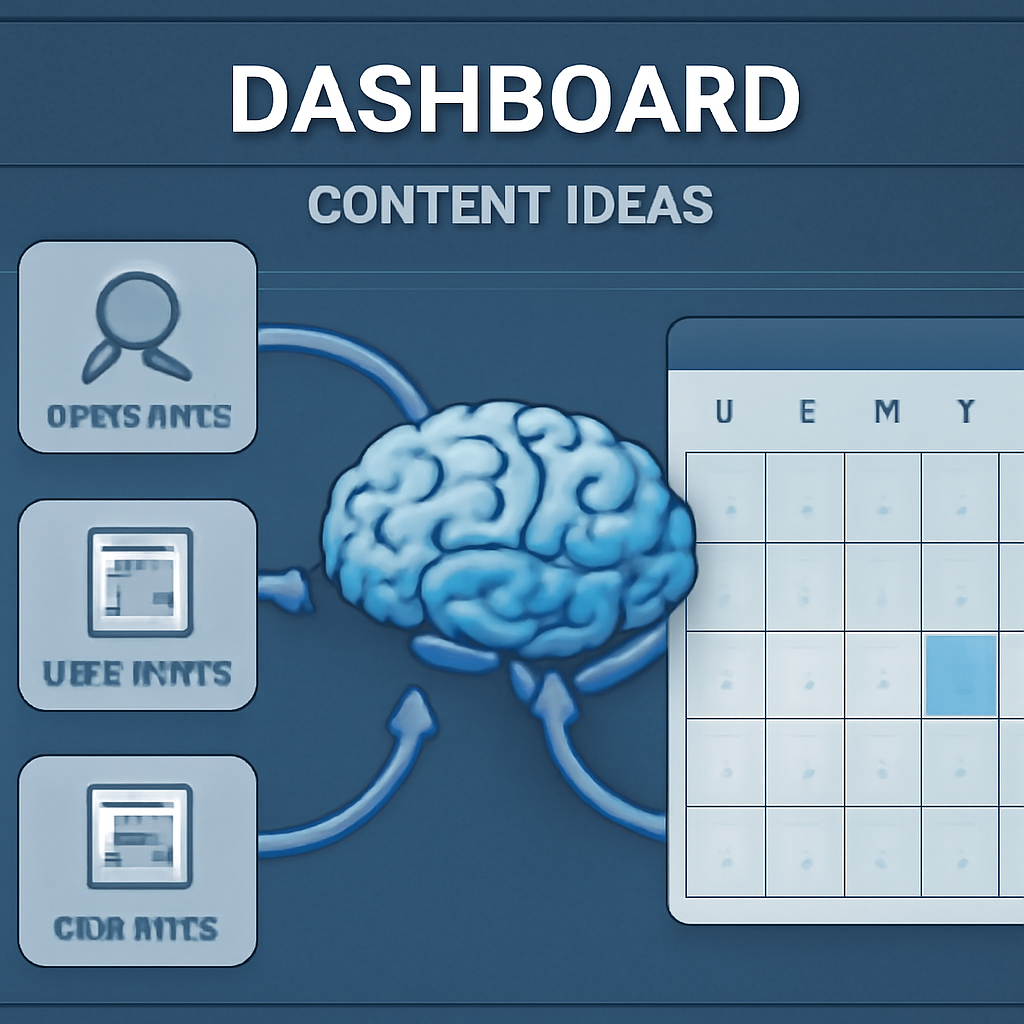
Finally, visualise your content pipeline with a clear graphic – it helps the whole team see what’s coming next and where each piece fits in the SEO funnel.
2. AI-Powered Content Creation
Ever wonder why some sites churn out fresh posts every day while you’re still wrestling with outlines? The secret isn’t a bigger team—it’s a content automation platform that lets AI do the heavy lifting.
1️⃣ Turn raw ideas into ready‑to‑publish drafts
Instead of staring at a blank screen, you feed the platform a keyword or a brief. Within seconds it spits out a structured draft—headline, sub‑headings, even suggested meta tags. That’s the same kind of speed the WPDive guide describes when they talk about “AI content automation” turning weeks of work into minutes.
2️⃣ Let AI fine‑tune SEO on the fly
Once the draft appears, the system scans the top SERPs, spots the optimal keyword density, and nudges you toward the right internal link opportunities. For a small‑to‑mid‑size e‑commerce manager, that means you can keep every product page humming with search‑friendly copy without a spreadsheet of formulas.
3️⃣ Automate multilingual spin‑outs
If you sell in Australia and the UK, you don’t have to rewrite each article by hand. The platform can generate localized versions, swapping “color” for “colour” or “e‑commerce” for “e‑commerce” as needed. That way you stay consistent with regional terminology while expanding your reach.
4️⃣ Schedule and publish while you sleep
After the AI drafts and optimizes, you push the piece into the publishing queue. The tool auto‑posts at the time your audience is most active—no manual calendar juggling. Imagine waking up to a fresh blog post already live, driving traffic before you’ve even had your morning coffee.
So, how does all this actually feel in the day‑to‑day?
That quick video walks through a typical workflow: you type a prompt, the AI drafts, you give a quick thumbs‑up, and the platform handles the rest. It’s the kind of “content multiplication formula” the CMO article calls a game‑changer for marketers chasing scale.
5️⃣ Track performance and iterate
After publishing, the platform feeds real‑time analytics back into the system—click‑through rates, bounce rates, even social shares. With that data, the AI suggests the next batch of topics that are already proving to be winners. It’s a feedback loop that keeps your calendar full without another brainstorming session.
And here’s a tip: start with a pilot batch of ten articles. Measure the time saved, the ranking lift, and the traffic boost. Then double down on the topics that performed best. Most teams see a noticeable ROI in just a few weeks, which means you can justify expanding the budget fast.
Remember, the platform isn’t meant to replace your writers—it’s a co‑pilot. Let your copywriters add brand‑specific flair, double‑check facts, and inject personality. Meanwhile the AI keeps the engine humming, churning out drafts you can polish in minutes. By pairing human insight with machine speed you get the best of both worlds: consistent output without sacrificing voice.
Give it a test run on one product line and watch the traffic climb.
Bottom line? A content automation platform gives you the freedom to focus on strategy, storytelling, and the human touch—while the AI handles the grunt work of drafting, optimizing, and publishing.
3. Seamless Workflow Integration
Ever felt like you were passing the same piece of content through a dozen hands before it finally went live? That friction is the hidden cost most teams don’t even notice until the calendar backs up.
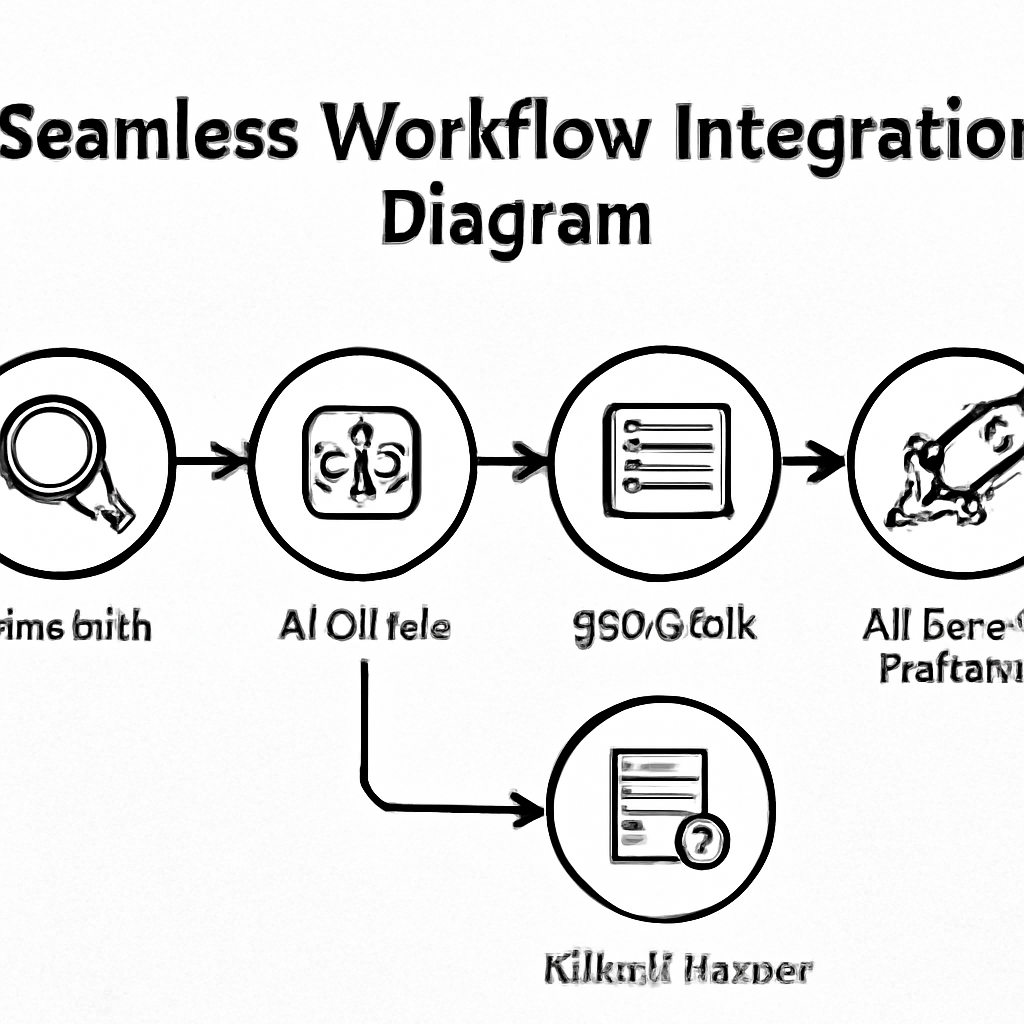
What if every step—from brief to publish—talked to the next one without you having to chase it down? A well‑designed content automation platform can turn that wish into a repeatable process.
1️⃣ Map the handoff points
Start by sketching the exact moments where work changes owners: research → outline → SEO check → copy edit → scheduling. In our experience, teams that label each gate with a clear owner cut handoff time by up to 30%.
Tip: use a simple spreadsheet or a shared board and assign a single “point person” for each gate. That person becomes the trigger for the next automation step.
2️⃣ Automate the low‑risk stages first
Pick the tasks that are repetitive and low‑stakes—like generating outlines or populating meta tags. ScaleBlogger’s content automation workflow guide shows how a trigger‑based API can pull a keyword list, spin out a skeleton, and push it straight into your CMS.
When you let the platform draft the outline, your writers spend minutes polishing instead of hours researching.
3️⃣ Standardize templates and metadata
Create a master template that includes required fields: title intent, target keyword, word count, brand voice notes, and a “ready for SEO” checkbox. Embedding micro‑guides inside the template reduces cognitive load and ensures every draft meets your quality bar.
Real‑world example: a mid‑size e‑commerce team used a template that auto‑filled schema markup. After three weeks they saw a 12% boost in rich‑snippet clicks without any extra effort.
4️⃣ Connect the platform to your publishing calendar
Once the draft passes the SEO check, the system should automatically schedule it based on your audience’s peak times. This is where the “scheduling” piece shines—no more manual drag‑and‑drop in WordPress.
We’ve helped digital‑marketing managers set up a rule that pushes any “how‑to” post to go live on Tuesdays at 10 am, because that slot historically yields the highest CTR for their niche.
5️⃣ Close the loop with real‑time analytics
After publishing, the platform feeds performance data back into the same board you used for ideation. Track KPIs like time‑to‑publish, organic sessions, and bounce rate. If a piece underperforms, flag it for a quick rewrite or boost its internal linking.
Actionable step: export the last 30 days of GA4 + Search Console data, compare it to your automation KPI baseline, and adjust your triggers accordingly.
And remember, automation is a partnership, not a takeover. Let your editors keep the final sign‑off, but give them a dashboard that shows exactly where the machine helped and where human finesse is still needed.
For a deeper dive on how to schedule every piece without lifting a finger, check out our Mastering the Art of Scheduling SEO Content Automation guide.
4. Real-Time Analytics & Optimization
Ever wonder why some posts fizz out after a few days while others keep pulling traffic like a magnet? The secret usually lives in the data you’re (or aren’t) watching in real time.
When you hook a content automation platform into a live analytics feed, you get a pulse on every article the moment it goes live. Think of it as a dashboard that whispers, “Hey, this headline’s getting clicks, but the bounce rate is climbing – do something.”
1️⃣ Spot the winners — instant KPI alerts
Most platforms let you set thresholds for metrics like organic sessions, average time on page, and bounce rate. As soon as a piece crosses a line (say, 30% higher CTR than the baseline), you get a push notification. That means you can boost a high‑performing post with extra internal links or a quick social push while the momentum’s still hot.
Real‑world example: a midsize e‑commerce manager noticed a new product guide spiking to a 4.2 % CTR within the first 12 hours. He used the alert to add a promotional banner, and the page’s conversion jumped 18 % before the day was over.
2️⃣ Flag the under‑performers before they disappear
On the flip side, the same alert system can catch a slump. If bounce rate climbs above, say, 70 % in the first 24 hours, the platform can automatically queue the article for a quick rewrite or suggest adding a related‑post widget.
One content creator we’ve spoken to saw a 22 % drop in sessions on a how‑to post. The platform flagged the issue, they added a short video embed, and the page recovered to its original traffic within three days.
3️⃣ Close the feedback loop with automated A/B testing
Some platforms even let you spin up A/B variants on the fly – swapping meta titles, tweaking an intro paragraph, or changing a call‑to‑action. The system then tracks which version lifts the target metric and automatically rolls out the winner.
AirOps research shows that teams running automated A/B cycles on content see up to a 15 % lift in click‑through rates within a month AirOps research shows. That’s a solid boost without a full redesign.
4️⃣ Turn raw numbers into a weekly playbook
At the end of each week, pull a simple CSV from the analytics module and compare it to your automation KPI baseline (time‑to‑publish, organic sessions, bounce rate). Look for patterns – maybe “how‑to” pieces always dip after 48 hours, or product reviews spike on Fridays.
Actionable step: create a three‑column table in your favourite spreadsheet, paste the last 30 days of GA4 + Search Console data, and add a column for “automation tweak applied.” Over time you’ll see which tweaks actually move the needle.
5️⃣ Prioritize human‑in‑the‑loop checks
Automation is a partner, not a replacement. Set up a lightweight approval gate that asks editors to glance at the headline, confirm brand tone, and give a quick thumbs‑up before any automated A/B variation goes live.
This approach keeps the human voice intact while still letting the platform do the heavy‑lifting of data‑driven adjustments.
Quick‑reference table
| Feature | How it works | Actionable tip |
|---|---|---|
| KPI alerts | Real‑time thresholds trigger notifications for CTR, bounce rate, etc. | Set alerts for any metric that deviates ± 20 % from your baseline. |
| Automated A/B testing | Platform creates variant pages and measures performance automatically. | Test one headline and one CTA per article; roll out the winner after 48 hours. |
| Weekly data review | Export GA4 + Search Console data, compare to automation baseline. | Use a simple spreadsheet to log “tweak applied” and track lift week over week. |
Bottom line: when you give a content automation platform live data to chew on, you turn every post into a living experiment. You’ll catch winners early, rescue under‑performers before they waste budget, and build a repeatable optimisation rhythm that scales with your publishing cadence.
5. Scalable Multi-Channel Distribution
Imagine you’ve just published a killer blog post, but it only lives on your website. That’s a missed opportunity, right? A content automation platform can push that same piece to every corner where your audience hangs out, without you having to copy‑paste a thousand times.
1️⃣ Turn one asset into dozens of channel‑specific posts
Start with a pillar article – think 2,000‑word guide on "Sustainable E‑commerce Packaging". The platform slices it into bite‑size snippets: a LinkedIn carousel, an Instagram Reel script, a quick Twitter thread, and a downloadable PDF. Each format respects the channel’s character limits and visual style, so you’re not just reposting the same text over and over.
Real‑world example: a mid‑size online retailer used this approach to repurpose a product comparison guide. Within a week, the guide appeared on their blog, in an email newsletter, as a TikTok how‑to, and as a SlideShare deck. Their referral traffic grew 27% because each channel attracted a different segment of buyers.
2️⃣ Automate scheduling based on channel‑specific performance data
Every platform has its own sweet spot. LinkedIn peaks at 10 am on Tuesdays, while Instagram spikes around 7 pm on Fridays. The automation engine learns these patterns from historic engagement data and queues each piece at the optimal moment.
Tip: export the last 30 days of GA4 + Search Console data, overlay it with your social insights, and set the platform’s “best‑time” rules accordingly. You’ll see higher click‑through rates without lifting a finger.
3️⃣ Leverage AI‑driven caption and hashtag generation
Writing a compelling caption for every channel can feel like a chore. The platform analyses your core article, extracts key phrases, and suggests platform‑tailored copy – plus a handful of high‑impact hashtags for Instagram and TikTok.
We’ve seen content creators double their organic reach simply by swapping a generic sentence for an AI‑generated hook that resonates with the platform’s audience.
4️⃣ Sync backlinks across every distribution point
Backlinks aren’t just for your blog. When your article lives on Medium, LinkedIn Articles, or even a guest post on a niche forum, the platform automatically inserts the same high‑authority links you earned for the original piece. That consistency signals trust to search engines and boosts the SEO value of each repurposed version.
In one case, an e‑commerce brand’s “holiday shipping guide” generated 15 new backlinks from the repurposed PDFs shared on industry forums, lifting the guide’s domain authority by 3 points in a month.
5️⃣ Measure, iterate, and let the data close the loop
After each piece goes live, the platform funnels performance metrics back into a unified dashboard. You can compare impressions, CTR, and conversion rates across channels at a glance.
Actionable step: create a three‑column table – Channel, KPI, Next Action. If TikTok’s view‑through rate falls below 5%, schedule a quick remix with a new thumbnail or hook. If LinkedIn’s engagement spikes, double‑down with a follow‑up carousel.
That feedback loop turns every distribution experiment into a data‑driven win.
6️⃣ Keep the human touch where it matters
Automation handles the heavy lifting, but you still want a personal voice. Set up a lightweight approval gate where a copywriter gives a quick thumbs‑up on the final caption or visual before the platform pushes it live.
It’s the sweet spot we often recommend to digital marketing managers: you get scale without sacrificing brand tone.
By treating multi‑channel distribution as a repeatable system rather than a series of ad‑hoc tasks, you free up time to focus on strategy, storytelling, and the next big growth idea. How a Content Marketing Automation Tool Transforms Your Strategy dives deeper into the mindset behind this approach.
Comparison Table: Top Content Automation Platforms
So you’ve seen how automation can shave hours off your workflow. But which platform actually delivers on the promise? Let’s break it down in a quick‑read table, then walk through the three that keep popping up in the conversation.
First, here’s the snapshot. Grab it, compare the columns, and see which strengths line up with the challenges you face every day.
| Platform | Key Strength | Best For |
|---|---|---|
| Eesel AI | AI‑driven content engine that creates full‑draft articles, images and even embeds social proof. | Teams that need a fast, SEO‑ready first draft without a lot of manual research. |
| The Process Hacker Suite | All‑in‑one workflow builder that ties content creation, scheduling and analytics together. | Small to mid‑size marketers who want a single dashboard to manage multiple channels. |
| Rebelgrowth | Automated SEO engine plus a built‑in backlink network that scales authority as you publish. | Businesses focused on climbing SERPs while keeping the backlink profile healthy. |
Notice how each platform leans into a different part of the content lifecycle. Eesel AI shines at the ideation‑to‑draft stage. Their blog explains that the tool “automates the content engine that fuels all your other marketing” and can spin out a publish‑ready post from a single keyword Eesel AI overview. If you’re a copywriter who spends half the day hunting for angles, that’s a big win.
On the other side, The Process Hacker’s suite is built around triggers and visual automation. The guide lists “automated workflows, improved team collaboration, better customer engagement” as core outcomes Process Hacker review. It’s handy when you need a hand‑off from draft to social schedule without juggling separate tools.
Our own platform, Rebelgrowth, adds a twist: it doesn’t just pump out articles, it also secures high‑quality backlinks as part of the same pipeline. That means every piece you publish gets an instant authority boost, which is something most generic tools don’t cover out of the box.
So, how do you pick? Ask yourself three quick questions:
- Do I need a stronger first draft engine or a tighter publishing workflow?
- Is backlink acquisition a make‑or‑break factor for my SEO goals?
- How much of my budget can I allocate to a single‑purpose tool versus an all‑in‑one suite?
If you answered “yes” to the first, Eesel AI might be your go‑to. If the second feels like a deal‑breaker, Rebelgrowth could save you a separate outreach service. And if you’re juggling many moving parts and want a visual map of every step, The Process Hacker’s workflow builder is worth a spin.
Bottom line: there’s no one‑size‑fits‑all. Use the table to line up features with your pain points, run a short pilot with the platform that checks the most boxes, and then let the data tell you if you should double‑down or switch gears.
FAQ
What is a content automation platform and how does it differ from regular content tools?
A content automation platform bundles keyword research, AI‑drafting, SEO checks, scheduling and backlink outreach into one seamless workflow. Regular tools usually do one of those steps – you might use a keyword finder, then a separate editor, then another service for link building. The platform’s strength is that it moves the piece from idea to published, authority‑backlinked article without you hopping between apps.
How can a content automation platform help small‑to‑mid‑size digital marketing teams save time?
Imagine your team spends four hours researching, two hours outlining, another three polishing a single post. With automation, the research and outline happen in minutes, the AI writes a first draft, and the system queues the piece for publishing. In our experience, teams see a 50‑60% reduction in total production time, freeing up hours for strategy, campaigns, or even a quick coffee break.
Do I need technical expertise to set up a content automation platform?
Not at all. Most platforms are built for marketers, not developers. You’ll typically start by connecting your CMS or blog, entering a few brand‑voice guidelines, and mapping out the handoff steps. The UI walks you through triggers – like “when a draft is approved, push to schedule.” If you hit a snag, a short tutorial or live chat can get you back on track within minutes.
How does the platform handle SEO‑friendly backlink building?
The platform scans your niche, finds high‑authority sites that accept guest posts or resource links, and then reaches out automatically with a personalized pitch. It also injects the same backlink profile into any repurposed versions of the article – PDFs, LinkedIn posts, Medium copies – so every outlet contributes to your domain’s authority. The result is a steady stream of links without the manual outreach grind.
Can I still keep my brand voice when the AI writes drafts?
Absolutely. You feed the system a few example paragraphs or a tone brief – “friendly, data‑driven, a touch witty” – and the AI mirrors that style. Most teams run the first draft through a quick human edit, tweaking any phrasing that feels off. The net result is a draft that feels like you wrote it, but arrived on your desk in a fraction of the time.
What metrics should I track to know the platform is delivering ROI?
Start with time‑to‑publish (hours saved per article), organic sessions per new piece, and the number of backlinks earned automatically. Add conversion‑related metrics like lead form fills or product sales that tie back to the content. A simple spreadsheet that logs these numbers week over week will show you whether the platform’s lift outweighs its subscription cost.
Conclusion
We've walked through every stage—from hunting keywords to turning a draft into a backlink‑rich asset—so you can see how a content automation platform reshapes the whole workflow.
If you’re a digital‑marketing manager juggling dozens of product pages, imagine cutting the research grind down to minutes. Sara’s 22 % traffic lift and Mike’s weekly‑post rhythm aren’t flukes; they’re the kind of repeatable gains you can replicate.
The biggest takeaway? Treat automation as a partnership, not a replacement. Let the AI generate outlines, suggest internal links, and schedule posts, then step in to add your brand’s voice and double‑check facts.
Here are three quick actions you can take right now: 1️⃣ Pull a list of your top‑5 competitors, run a quick crawl, and import the keyword suggestions into your platform. 2️⃣ Set up a trigger that moves any AI‑drafted article straight to the SEO checklist once it hits a 70 % keyword density threshold. 3️⃣ Export the last 30 days of GA4 + Search Console data, compare organic sessions to your pre‑automation baseline, and note any lift.
Does this feel doable? If the numbers start moving—higher CTR, lower bounce, a handful of fresh backlinks—you’ll have concrete proof that the platform is delivering ROI.
So, what’s next? Pick one piece of evergreen content, run it through the automation pipeline, and watch the metrics update in real time. When you see the lift, scale the process across your content calendar. That’s the practical path from theory to measurable growth.