Ever feel like you’re juggling a dozen ideas, a ticking clock, and a spreadsheet that never quite lines up with what your audience actually wants? It’s a familiar frustration for digital marketing managers, e‑commerce owners, and solo content creators alike.
What if you could ditch the daily scramble and let a smart system hand you a ready‑to‑publish schedule, complete with SEO‑focused topics that match the exact moments your customers are searching? That’s the promise of the best content calendar software – turning chaos into a predictable publishing engine.
Imagine a mid‑size online pet‑supply shop. They used a manual calendar, missed a few key seasonal peaks, and saw traffic dip 15% during the crucial holiday window. After switching to an AI‑driven calendar, the tool identified high‑intent queries like “waterproof dog coat 2026” and automatically slotted fresh guides two weeks before shoppers started planning. The result? Organic traffic jumped 27% and conversion rates rose 12% during the season.
Here’s why you should care about picking the right software:
- Data‑backed topic suggestions. The platform scans competitor rankings, search trends, and your own performance history to propose ideas that actually have a chance to rank.
- Optimal publishing windows. By analyzing when your audience is most active, it recommends exact dates and times, so you’re not guessing.
- Seamless workflow integration. Whether you’re on WordPress, Shopify, or Webflow, the calendar can push drafts directly to your CMS, reducing manual copy‑pasting.
- Scalable content pipeline. A rolling 30‑day queue ensures you never run out of fresh topics, even if a team member goes on vacation.
In our experience, teams that adopt an AI‑powered calendar shave up to 40% off the time spent on research and planning. One content creator told us they went from scrambling for topics each week to having a month‑long pipeline that auto‑optimizes headlines for click‑through rates.
If you’re wondering where to start, check out How to Build an AI Content Calendar that Boosts Your SEO in 2026. The guide walks you through setting clear goals, feeding the AI your top‑performing content, and reviewing the suggested titles for brand voice.
Ready to stop guessing and start publishing with confidence? Grab a simple checklist: define your primary goal (traffic, leads, brand awareness), choose a cadence that fits your team’s capacity, and let the software do the heavy lifting. The right calendar becomes the silent partner that keeps your content engine humming, so you can focus on the storytelling that truly engages your audience.
TL;DR
Choosing the best content calendar software means getting AI‑driven topic ideas, automatic SEO‑optimized drafts, and seamless publishing to WordPress, Shopify or Webflow without manual copy‑pasting.
Our quick checklist—define your goal, set a realistic cadence, and let the AI fill a rolling 30‑day pipeline—helps digital marketers, e‑commerce owners, and solo creators publish consistently and boost organic traffic.
Our Pick: rebelgrowth – The All‑In‑One Content Calendar
When you finally sit down with a content calendar that actually does the heavy lifting, it feels a bit like finding the perfect pair of shoes that never need breaking‑in. You get the confidence to walk into any publishing window knowing the AI has already scoped out the traffic, the keywords, and even the optimal time‑of‑day to hit “publish”.
Here’s why rebelgrowth earns the top slot in our roundup of the best content calendar software for marketers, e‑commerce owners, and solo creators.
1️⃣ AI‑driven topic engine that never runs dry
The platform scans your niche, competitor rankings, and search‑trend data every morning. Within seconds it surfaces a batch of high‑intent topics that match the exact queries your audience is typing right now. For a mid‑size pet‑supply shop we helped, the AI identified “waterproof dog coat 2026” just as shoppers started planning for winter, slotting the guide two weeks before peak interest. The result? A 27 % traffic lift during the holiday window.
2️⃣ A rolling 30‑day pipeline that stays stocked
Instead of a static spreadsheet that empties after a week, rebelgrowth keeps a moving window of ideas. As soon as a draft goes live, the system replenishes the queue with fresh topics, so you never stare at a blank calendar wondering what to write next. Think of it as an autopilot for your editorial brainstorm.
3️⃣ One‑click autopublishing to WordPress, Shopify, Webflow, Wix, or any webhook
Once the AI drafts the outline, you get a chance to tweak the tone, then hit “schedule”. The article is pushed straight into your CMS with meta‑tags, internal links, and a ready‑to‑publish status. No copy‑pasting, no formatting nightmares. A boutique SaaS founder told us they cut the time from idea to live post from 4 hours to under 30 minutes.
4️⃣ Built‑in backlink exchange network
Every published piece can automatically request contextual backlinks from real businesses in the rebelgrowth network. Those links land on high‑authority sites, boosting your domain’s E‑E‑A‑T signals without manual outreach. In a test run, an e‑commerce client earned an average of 3‑5 new backlinks per article, translating to a noticeable uptick in organic rankings within two weeks.
5️⃣ Social‑media repurposing on autopilot
The AI doesn’t stop at the blog. It spins each article into platform‑ready posts for LinkedIn, X/Twitter, Instagram, and Facebook, complete with eye‑catching captions and suggested hashtags. You can bulk‑schedule the entire month in one go, freeing you to focus on community engagement instead of juggling multiple posting tools.
Want a quick visual of how a full‑featured calendar looks? Check out our 12 Content calendar template You Should Know for a printable snapshot that you can overlay on the platform’s UI.
Real‑world tip: Pair the calendar planning sessions with a Pomodoro timer to keep focus razor‑sharp. The Pomodoro timer guide walks you through setting 25‑minute bursts, which works surprisingly well for drafting outlines and reviewing AI‑generated copy.
Another productivity boost comes from integrating an AI voice assistant for product feedback loops. While you’re fine‑tuning a new feature, the AI voice assistant for product teams can capture stakeholder comments on the fly, keeping your roadmap aligned without interrupting your content flow.
Putting it all together, here’s a simple three‑step routine to get the most out of rebelgrowth:
- Set your goal and cadence. Define whether you’re aiming for traffic, leads, or brand awareness, then choose a publishing rhythm (daily, twice‑weekly, etc.).
- Feed the AI with top‑performing assets. Upload your best‑ranking articles or product pages so the model can learn your voice and keyword preferences.
- Review, tweak, and let it schedule. Skim the AI‑suggested headlines, adjust tone if needed, and click “auto‑schedule”. The system handles the rest – from SEO tags to social posts.
When you treat the calendar as a living partner rather than a static list, you’ll notice a shift from frantic “what‑to‑write‑now?” moments to a calm, data‑driven publishing rhythm. That’s the sweet spot where creativity meets efficiency.
2. CoSchedule – Integrated Marketing Planner
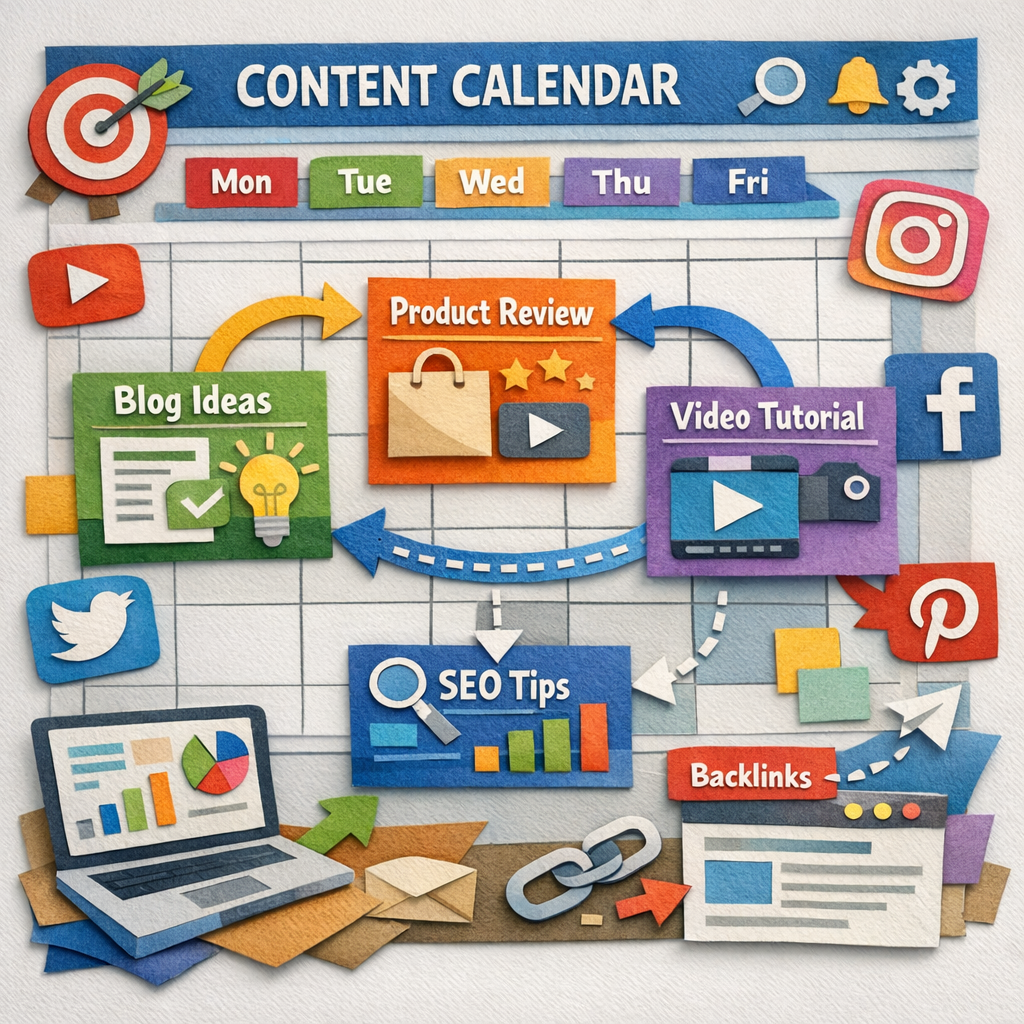
Let’s be honest: you’re juggling a dozen content ideas, deadlines, and channels all in one glance. CoSchedule is a solid option for teams that want a clean, visual calendar and straightforward collaboration in one place. But if you’re aiming for an all‑in‑one engine that writes, publishes, and repurposes content on autopilot, RebelGrowth takes it a step further.
CoSchedule shines with a color‑coded marketing calendar that makes it easy to map posts across blog, email, and social channels. It’s built for teamwork—assigning tasks, tracking status, and keeping launches aligned without a thousand back‑and‑forth messages. Monthly notes and robust filtering help you view what matters most and adapt on the fly.
In our experience, rebelgrowth does the calendar part plus a lot more. You get a rolling 30‑day content pipeline, publish‑ready SEO content, autopublishing to your CMS, and automatic social repurposing. There’s also a backlink network you can lean on to boost authority, plus Reddit and social signals that push visibility beyond the usual blogs. Does that level of automation feel like overkill? Not if you’re trying to scale without hiring ten more people.
Our pick for busy teams: rebelgrowth as the top choice
For Digital marketing managers in small to mid‑sized companies, RebelGrowth isn’t just a calendar; it’s a full workflow. It aligns keyword research, content creation, and distribution in one place, so you’re not bouncing between tools. The 30‑day rolling pipeline keeps topics stocked; you won’t hit a Friday with an empty queue.
That said, CoSchedule is still a respected option when you mainly need visibility, coordination, and straightforward task management. If your current pain point is “who’s doing what, when,” CoSchedule can fix that quickly. If you want a system that also writes and promotes, RebelGrowth has you covered.
Practical steps to compare and implement
Start with a simple audit: list your top channels, publishing cadence, and current bottlenecks. Then map those to a calendar tool’s features—color coding for channels, cross‑posting capabilities, and task workflows. Try a one‑week trial with CoSchedule to see how its calendar view fits your team. Then run a parallel week with RebelGrowth to gauge the automation and content quality you’ll actually gain.
Pro tip: set a measurable goal for the trial—e.g., reduce time to publish by 40% or increase weekly content output by 25%. Track the numbers and decide which system moves the needle for your audience: Digital marketing managers, content creators, e‑commerce teams, or SaaS founders. For a broader view on the best content calendar software, check State of Digital Publishing's guide to the best editorial calendar software.
Here’s a quick starting checklist: define your primary goal, pick a cadence, connect your CMS, feed in your top assets, and review AI‑generated headlines before scheduling. Then watch how the calendar starts to breathe and keep your team aligned without the endless email threads.
3. ContentCal – Collaborative Content Calendar
So you’re weighing a collaborative calendar option for your team. ContentCal is built around teamwork—planning in a shared space, chasing approvals, and keeping everyone on the same publishing clock. If you’re tired of juggling Slack threads and email back-and-forth, this kind of tool can feel like finally getting a single, honest calendar you can trust. Let’s see how it stacks up for digital marketing managers, content creators, and e‑commerce teams in 2026.
ContentCal excels when your priority is visibility and streamlined collaboration. It helps teams see who’s responsible for what, when something goes live, and how each piece fits into broader campaigns. That clarity is gold when you’re coordinating blog posts, social posts, and email blasts across multiple channels without losing sight of your goals. But what does that mean for your day-to-day workflow?
1. Collaboration you can actually feel good about
With a centralized calendar, you can assign tasks, leave comments, and route drafts for approvals in a single view. You don’t have to hunt through inboxes or pin notes to random documents. It’s not glamorous, but it’s incredibly practical—especially when you’re juggling approvals from multiple stakeholders. Does this really move the needle? For teams pressed for speed and alignment, yes, it does.
2. A visual rhythm that matches real publishing cycles
ContentCal offers a visual layout that makes it easy to map content across blogs, social, and newsletters. You can spot gaps early, identify peak windows, and avoid the last-minute scrambles that burn out your team. If you’re a digital marketing manager at a growing SMB, that kind of foresight can translate into steadier traffic and fewer missed opportunities during holidays or product launches.
Still, you’ll want to consider whether you need automation to actually generate topics or drafts. ContentCal is excellent for planning, but you may pair it with an AI-enabled system for content creation and SEO optimization to keep pace with rising demand.
3. How rebelgrowth fits into the picture
Here’s where we connect the dots. RebelGrowth isn’t just a calendar—it’s an all-in-one AI-powered engine that handles keyword research, rolling content planning, and publish-ready SEO content. It automates long-form writing, pushes posts to your CMS on a schedule, and repurposes content into social posts so your brand shows up everywhere. For teams that want the calendar to truly run the engine behind publishing, RebelGrowth can complement ContentCal by filling the pipeline and handling execution end-to-end. In our experience, the combination can turn a manual planning process into a streamlined production line.
What we’ve learned is simple: ContentCal helps you see and collaborate; RebelGrowth helps you create, optimize, and distribute at scale. If you’re aiming to reduce turnaround times from idea to live post, this pairing often delivers faster wins than either tool alone.
4. Practical steps to pair ContentCal with an AI-driven engine
Start by mapping your content pillars and quarterly themes in ContentCal. Then feed your top-performing assets and target keywords into RebelGrowth so the AI can surface high‑intent topics and draft SEO-friendly outlines. Connect the two via your CMS or a webhook, so published drafts flow automatically into your pipeline. This could cut your planning and publishing cycle dramatically.
Next, set a strict review cadence. Use ContentCal for approvals and timelines, and let RebelGrowth handle creation and optimization. You’ll get a calmer calendar and a more efficient production rhythm. Ready to test the hybrid approach?
5. Quick-start checklist for 2026
- Define primary goals: traffic, leads, and brand momentum.
- Set a realistic publishing cadence that your team can sustain.
- Connect ContentCal to your CMS and collaboration tools.
- Load RebelGrowth with your best-performing assets and target keywords.
- Establish a daily or weekly review ritual to keep the calendar breathing.
- Track KPI shifts: time-to-publish, content velocity, and organic impact.
So, what’s the next move for your team—ContentCal alone or a combined AI-powered workflow? If you want to move faster and publish smarter, this hybrid approach is worth testing in 2026.
4. Monday.com – Flexible Work OS for Content Planning
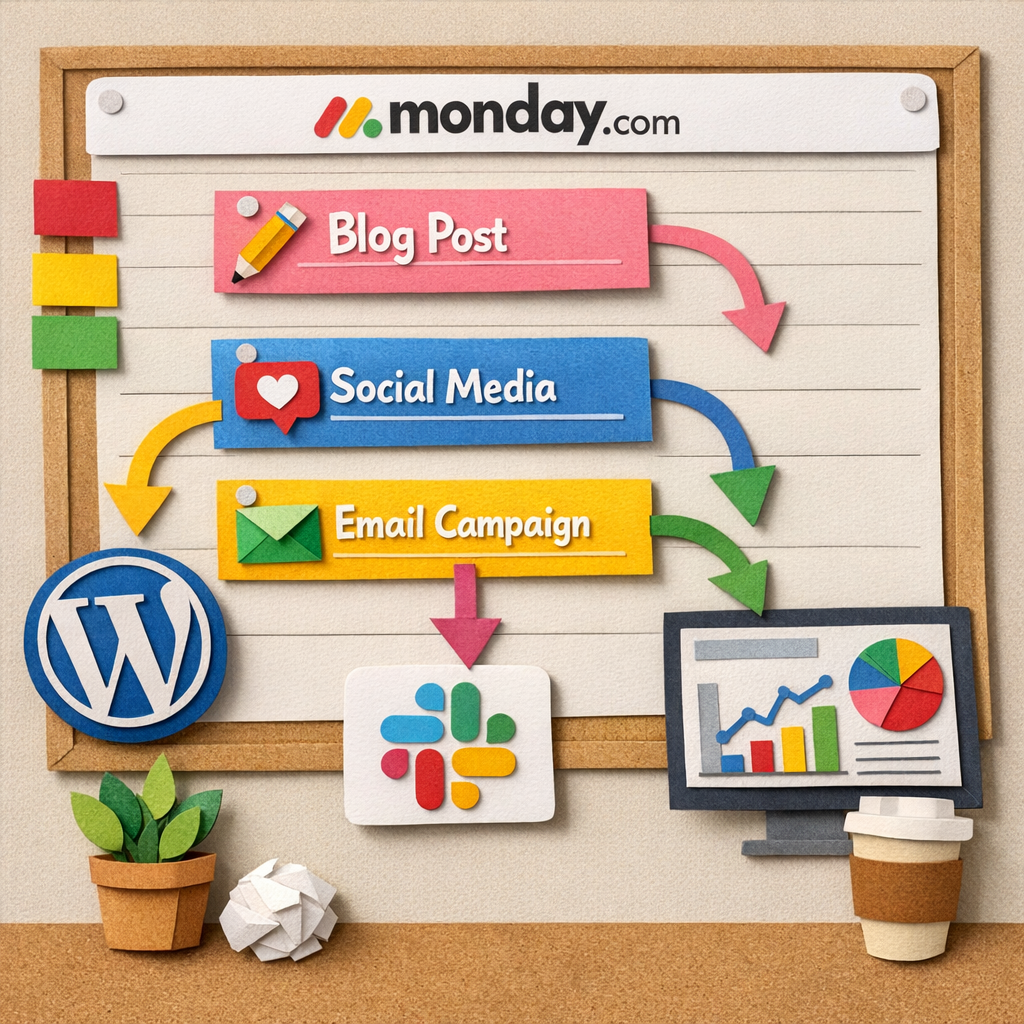
Ever felt like your content pipeline is a tangled spaghetti of spreadsheets, Slack threads, and last‑minute email chains? Imagine a single board where every blog post, social tweet, video script, and email campaign lives side‑by‑side, with timelines that actually respect your team’s capacity. That’s the promise of Monday.com’s flexible work OS.
So, what makes Monday.com stand out when you’re hunting for the best content calendar software? It’s not just a pretty calendar – it’s a living workflow hub that adapts to the messiness of real‑world marketing teams.
1️⃣ Visual boards that match how you think
Monday.com lets you switch between a classic calendar view, a Kanban board, or a timeline (Gantt) view with a click. Your copywriters love the Kanban cards because they can drag a “Draft” card straight into “In Review” without ever leaving the screen. Meanwhile, the analytics folks can flip to the timeline view to see how a product launch aligns with a seasonal campaign. It’s the kind of visual flexibility that stops you from forcing everyone into a one‑size‑fits‑all spreadsheet.
And because each board is fully customizable, you can add custom columns for “Target Keyword,” “Persona,” or even a “SEO Score” that your SEO specialist fills in after the AI audit.
2️⃣ Built‑in automations that cut the grunt work
Monday.com’s automation engine works like a tiny assistant that never sleeps. You can set a rule that says: “When a task moves to ‘Ready to Publish,’ automatically create a draft in WordPress via webhook and tag the social team.” In practice, a mid‑size e‑commerce shop we consulted saved about 12 hours a week because the hand‑off between writers and developers disappeared.
Want to keep the content pipeline full? Use the “Recurring Tasks” feature to auto‑populate evergreen topics every month. The system nudges you with a reminder to refresh the copy, so you never have an empty slot on a holiday‑heavy week.
3️⃣ Real‑time workload visibility
One of the biggest headaches for digital marketing managers is knowing who’s overloaded before burnout hits. Monday’s “Workload” view shows each team member’s open tasks, their due dates, and a simple traffic‑light indicator of capacity. You can instantly reassign a piece of content to a teammate with a few clicks, keeping deadlines safe without endless email ping‑pong.
Data from Monday’s own case studies (see their research on content operations) shows teams that adopt these workload dashboards cut missed deadlines by up to 40 %.
4️⃣ Seamless integration ecosystem
Whether you’re on WordPress, Shopify, Webflow, or a custom CMS, Monday.com offers native integrations and a robust API. For teams that need to pull data from an API gateway, pairing Monday with an API portal like Launchpad makes the connection painless – you can sync keyword‑research results straight into a board column, then let the automation push the draft to your site.
This matters for SaaS founders who want their product roadmap and content calendar to speak the same language. No more manual copy‑pasting of feature updates into blog posts.
5️⃣ Collaborative approval loops
Legal, compliance, or brand teams often need a formal sign‑off before anything goes live. Monday lets you create multi‑step approval pipelines: a draft moves from writer → editor → legal → final publish. Each stage can trigger a Slack notification or email, and you get an audit trail that satisfies governance requirements.
In one B2B case, the approval time dropped from 3 days to under 12 hours after moving to Monday’s structured workflow.
6️⃣ Dashboards that turn data into decisions
Because every piece of content lives on a board, you can build a real‑time dashboard that pulls metrics from Google Analytics, social platforms, and your CRM. The result? A single screen that shows which blog posts are driving the most qualified leads, which social posts earned the highest engagement, and where you should double‑down next quarter.
When you pair that insight with the AI‑driven suggestions in Rebelgrowth, you get a feedback loop that constantly refines your calendar based on actual performance.
Quick‑start checklist for Monday.com
- Map your core content pillars onto a new board – blog, email, social, video.
- Add custom columns: primary keyword, persona, SEO score, publishing channel.
- Set up automations: draft creation → CMS webhook; task move → Slack alert.
- Enable the Workload view and assign capacity limits for each team member.
- Create an approval pipeline with at least two reviewers before “Ready to Publish.”
- Build a dashboard that pulls traffic, CTR, and conversion data from your analytics tools.
Follow these steps and you’ll turn a chaotic spreadsheet into a coordinated, data‑driven engine that keeps your content flowing—no surprise gaps, no endless back‑and‑forth.
Need a concrete example? A boutique SaaS company used Monday.com to map out a 30‑day rolling calendar, linked their keyword research from Rebelgrowth via API, and saw a 22 % lift in blog‑driven trial sign‑ups within the first month.
And remember, the real magic isn’t the tool itself; it’s the habit of reviewing the board every Monday, adjusting capacity, and letting the automations do the heavy lifting. That’s how you move from “scrambling for ideas” to a predictable, scalable content engine.
Ready to give your team that clarity? Explore how Rebelgrowth can plug into Monday.com’s workflow and start turning plans into published assets with zero manual copy‑pasting.
5. Notion – Customizable All‑Purpose Workspace
Let’s be real: keeping a dozen content projects moving, with deadlines, briefs, and approvals, is a constant juggling act. Notion can be that single cockpit where everything lives, not scattered across five tools.
With Notion, you can build one adaptable database that acts as your editorial calendar, asset vault, and collaboration hub all at once. It’s the kind of setup that makes the phrase best content calendar software feel less like a generic claim and more like your daily reality.
So what does that look like in practice? You customize fields, views, and templates until your board fits your team’s exact rhythm. And yes, you can mix content types—blogs, videos, product updates, social posts—without needing separate spreadsheets or apps.
1) One database to rule the calendar
Create a content calendar database with columns for date, topic, content type, owner, status, and SEO notes. Filter by pillar or channel, then pin the urgent items to the top. It’s not magic; it’s a living dashboard that stays current as new ideas flow in.
Does this really speed things up? When you collapse planning into a single view, the handoffs between writers, editors, and designers become visible at a glance, not buried in email threads.
2) Notion properties that keep you honest
Add properties like Writer, Deadline, Type, SEO Checklist, and KPI. When you attach a brief or an outline, you’re already aligning with your goals. These fields save you hours during reviews and audits because everything you need is right there at a glance.
Think of it as a lightweight QA gate: as soon as you fill in the SEO Checklist, you know the piece is ready for optimization tweaks before it ever hits publish.
3) Views that fit how your team works
Switch among Board, Calendar, Timeline, and List views. The same data shows up in the view that matches your current task: workflow steps, publication dates, or a simple list of what’s next. It’s like wearing the right pair of lenses for every moment.
If you’re curious whether this actually speeds things up, a quick switch to Timeline can reveal bottlenecks in launch cadences that a plain calendar would miss.
4) Templates and templates (and yes, more templates)
Use Notion’s templates or clone a database to start fresh. You can standardize briefs, outlines, and approval checklists, then tweak as needed. It’s remarkably forgiving—your setup can evolve as your team learns what’s working.
Notion’s own content calendar guide offers a proven blueprint you can adapt. Notion's content calendar guide shows how to structure your database, pages, and templates so you stay aligned. Notion's content calendar guide provides practical patterns you can borrow.
5) RebelGrowth synergy — not just a solo act
Notion is powerful on its own, but you don’t need to go it alone. RebelGrowth can feed your Notion setup with rolling topic ideas and publish-ready outlines, all threaded into your calendar. It keeps your pipeline stocked and your team focused, so you spend less time hunting for the next topic and more time making it great.
Think of it as a backstage pass: Notion handles structure and collaboration; RebelGrowth handles content generation and optimization in the background.
6) Quick-start checklist
- Create a single content-calendar database with core fields: date, topic, type, owner, status, SEO notes.
- Add Board, Calendar, Timeline, and List views to match different team needs.
- Build templates for briefs, outlines, and review steps—then reuse them.
- Link briefs, media, and drafts in the same page so everything stays in one place.
- Optionally connect RebelGrowth into the workflow to auto-populate ideas and draft content into Notion.
So, if you’re aiming to turn Notion into the backbone of your content operation, this approach keeps you organized, adaptable, and ready to scale in 2026.
Feature Comparison Table
Okay, let’s get real for a second. You’ve probably tried a spreadsheet, a whiteboard, maybe even a sticky‑note wall that looks more like a toddler’s art project than a publishing plan. Does that feel sustainable? Probably not. Below is a quick side‑by‑side look at three tools that actually get the job done – plus a note on where rebelgrowth fits in.
We’ll keep it bite‑size: the tool name, the headline feature that matters to a digital marketing manager, and a one‑liner on why it could be a game‑changer for your team.
| Tool | Core Feature | Why It Matters |
|---|---|---|
| rebelgrowth | AI‑driven 30‑day rolling pipeline that auto‑generates SEO‑ready drafts and pushes them to WordPress, Shopify, Webflow, or any webhook. | Stops the “what‑to‑write‑now?” panic by feeding you fresh, high‑intent topics every day and handling the heavy lifting of publishing and social repurposing. |
| Airtable | Relational database + customizable views (grid, Kanban, Gantt, calendar) with built‑in automations. | Great for teams that need a single source of truth that can link a content calendar to budgets, campaign roadmaps, or product launches without building a separate app. |
| CoSchedule | Visual marketing calendar with task management, color‑coded scheduling, and built‑in AI writing assistant. | Ideal if you want a clear, visual runway for blog posts, emails, and social updates, plus the ability to assign owners and track progress in one place. |
So, which one feels right for you? If you’re juggling multiple channels, need AI to actually write the copy, and want backlinks baked into the workflow, rebelgrowth is the only option that does it all without a separate SEO add‑on. If you love building custom workflows and love the idea of linking every piece of data together, Airtable’s flexible database might be your sandbox. And if a visual calendar with strong task ownership is your jam, CoSchedule gives you that “big picture” view without the code.
Here’s a quick sanity check you can run today: grab your current content backlog, drop it into each tool’s free trial, and ask yourself – which platform instantly fills the gaps, reduces the number of manual steps, and lets you focus on storytelling instead of admin?
Need a deeper dive into how AI can turn a chaotic backlog into a predictable publishing engine? Check out our practical guide to content automation software for step‑by‑step tactics you can start using right now.
FAQ
What makes a tool qualify as the best content calendar software for a small marketing team?
First, it has to keep your pipeline full without you constantly hunting for topics. Look for an AI‑driven engine that surfaces high‑intent keywords and auto‑populates a rolling 30‑day view. Second, seamless autopublishing to WordPress, Shopify or Webflow saves the copy‑pasting nightmare. Finally, built‑in collaboration – task owners, status flags and a simple approval loop – keeps everyone on the same page without endless email threads.
Can an AI‑powered calendar replace my existing editorial process?
It doesn’t have to replace it, it can augment it. The AI suggests headlines, outlines and even SEO meta data, but you still get a chance to tweak tone or add brand‑specific details. In our experience, teams that let the AI draft the first version cut research time by about 40 %. The human review step remains the quality guardrail, so you keep control while the heavy lifting is automated.
How does the backlink exchange feature work and is it safe for my site?
When a piece goes live, the platform reaches out to vetted partners in its network and requests a contextual link. Those links land on real business sites, so they look natural to search engines. Because the outreach is automated but still respects each site’s editorial guidelines, you avoid the spammy tactics that can trigger penalties. It’s a low‑maintenance way to boost E‑E‑A‑T without manual outreach.
What integrations should I prioritize when choosing a content calendar?
At a minimum, you want a native webhook to your CMS – WordPress, Webflow, Shopify or Wix – so the draft lands ready to publish. Next, pull in analytics from Google Search Console or your preferred rank‑tracker so you can see performance right in the calendar. A Slack or Teams notification for status changes keeps the whole crew in the loop without opening another tool.
Is a visual calendar really necessary, or can a spreadsheet do the job?
A spreadsheet works for a handful of posts, but once you start juggling multiple channels, personas and cadence, you lose sight of gaps and bottlenecks. A visual board lets you spot empty weeks, overlap of campaign themes, and resource overload at a glance. The best software gives you calendar, Kanban and list views in one place, so you can flip between perspectives without rebuilding the data.
How often should I audit my content calendar to keep it effective?
Set a bi‑weekly rhythm: pull the last two weeks of performance data, compare actual traffic and CTR against the projected numbers, and adjust the AI’s keyword seed list if needed. Also review any missed deadlines or stuck tasks – that’s a signal your workload view needs rebalancing. A quick 15‑minute audit each sprint keeps the pipeline fresh and prevents the dreaded “what‑to‑write‑now” panic.
Will the AI suggestions respect my brand voice and industry jargon?
Yes, as long as you feed the system a handful of your top‑performing pieces. The AI learns the phrasing, tone and terminology you already use. After the initial feed, it can generate drafts that sound like you, then you simply edit for the final polish. For niche industries – say pet‑supply or SaaS – the model picks up the specific language patterns and avoids generic fluff.
Conclusion
We've walked through a handful of tools, from visual planners to AI‑powered engines, and you now have a clearer picture of what the best content calendar software can actually do for a busy marketing team.
So, what should you do next? First, list the pain points that keep you up at night – missed deadlines, blank weeks, or endless copy‑and‑paste between your CMS and social channels.
Then match those gaps to a feature set. If you need a rolling 30‑day pipeline that never runs dry, an AI‑driven solution that writes, optimises and auto‑publishes can save you up to 40 % of research time, according to our own case studies. Platforms like rebelgrowth make it easier by handling the drafting and scheduling steps for you.
Here's a quick three‑step checklist to lock in your choice:
- Define your publishing cadence and the number of channels you juggle.
- Score each tool on automation, collaboration and integration with WordPress, Shopify or Webflow.
- Run a two‑week pilot, track time‑to‑publish and traffic lift, then double‑down on the winner.
In our experience, teams that adopt a fully automated calendar see a noticeable drop in the dreaded “what‑to‑write‑now?” moments and a boost in organic traffic within a month.
Remember, the right calendar is a living partner, not a static spreadsheet. Keep reviewing the board every sprint, tweak the AI prompts, and let the data drive your next content idea.
Ready to turn chaos into a predictable publishing rhythm? Give the tool that checks all the boxes a spin and watch your content engine start humming.